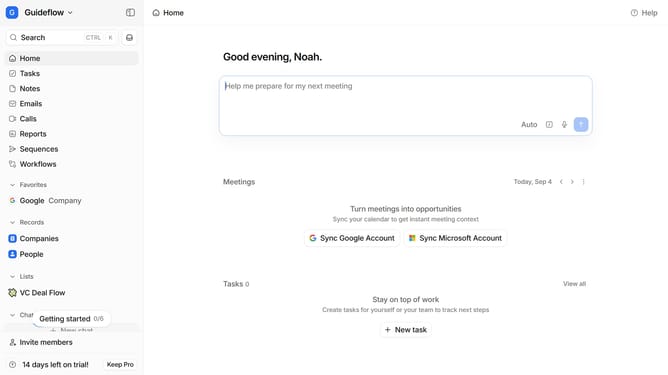
How to group tasks by creator in Attio
Here is how to group tasks by creator in attio
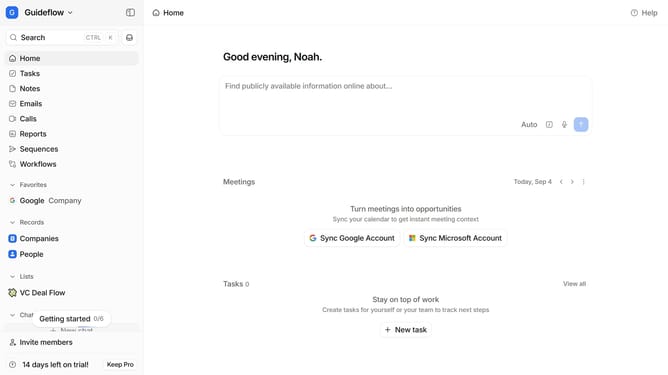
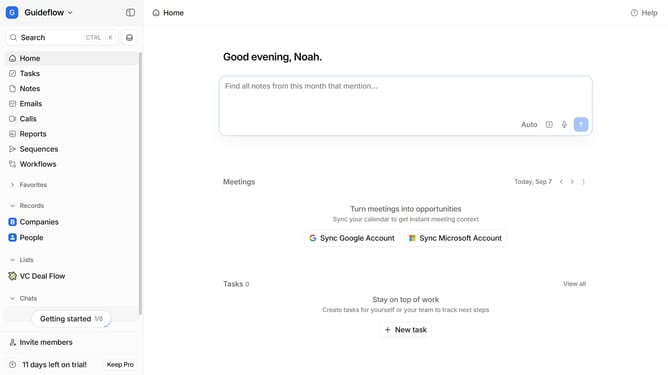
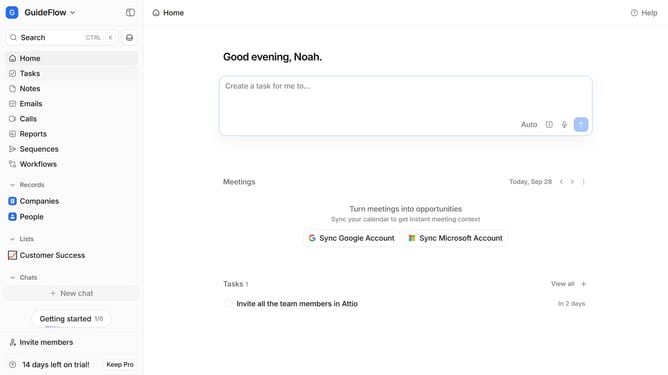
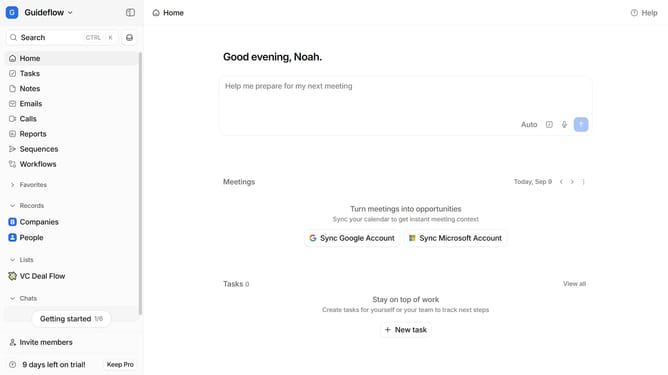
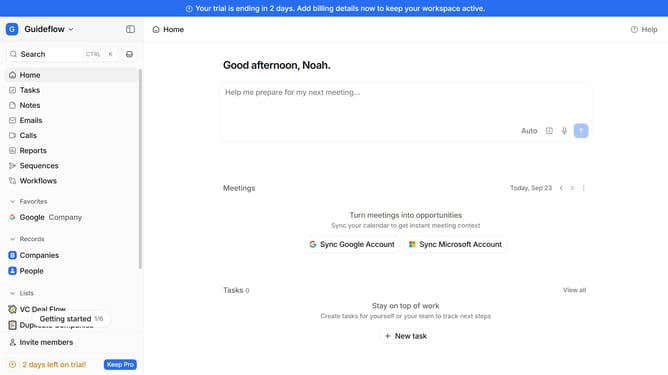
- First, click on "Tasks" in the left sidebar
- Then, click on the "View settings" button
- Next, hover your mouse cursor over the "Group by" option
- Finally, select "Created by" from the dropdown menu
Why should you How to group tasks by creator in Attio
Attio is a cutting-edge CRM platform designed to enhance team collaboration and productivity through seamless task management.
One standout feature is the ability to group tasks by creator, offering a streamlined view of who's responsible for what within your projects.
This feature is invaluable for teams, as it clarifies task ownership, preventing overlaps and ensuring accountability.
By effortlessly organizing tasks by creator, teams can quickly identify workloads and provide targeted support, leading to more efficient project completion and enhanced team synergy.
Last update