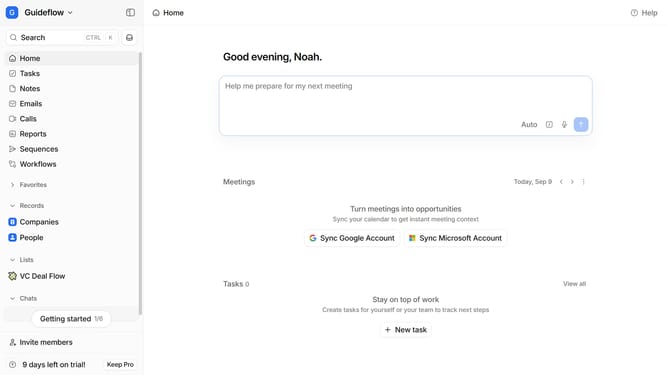
How to sort tasks by creation date in Attio
Here is how to sort tasks by creation date in attio
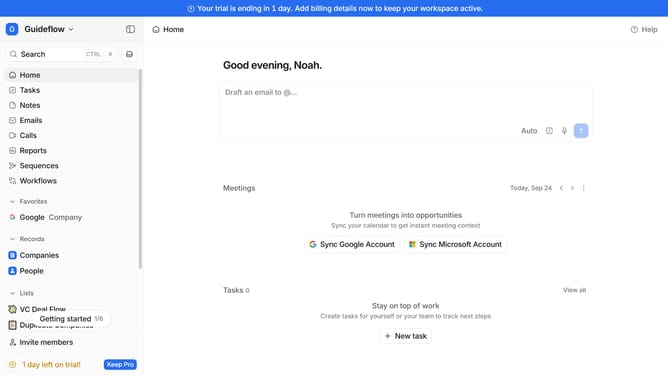
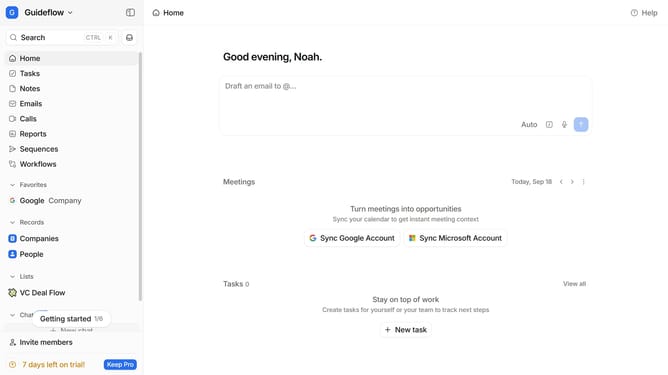
- First click on the "Tasks" item in the left sidebar
- Then click on the sort option in the header
- Finally select "Creation date" from the sorting options
Why should you How to sort tasks by creation date in Attio
Attio is a cutting-edge CRM designed to transform how you manage and interact with your contacts.
Sorting tasks by creation date in Attio offers a streamlined way to prioritize and manage your workload efficiently. By structuring your tasks chronologically, you're empowered to focus on the most recent entries, ensuring no new task slips through the cracks.
This feature aids in maintaining a clear overview of your workflow, facilitating better time management and decision-making. It maximizes productivity by allowing users to tackle tasks with fresh eyes, keeping the momentum of your projects flowing smoothly.
Last update