How to integrate Apollo Enrichment in Attio
Here is how to integrate apollo enrichment in attio
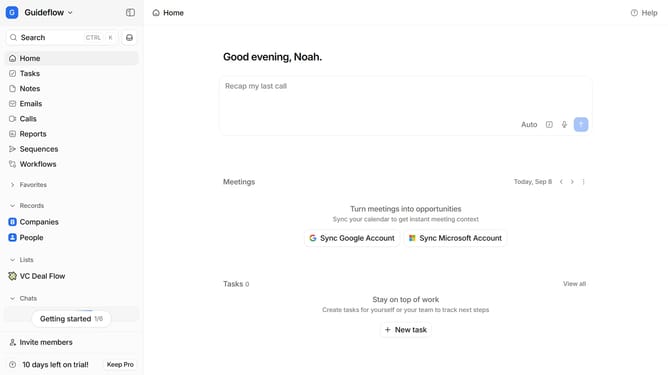
- First click on the company name dropdown button in the header
- Then click on "Apps and integrations" in the left sidebar
- Next, click on "Data and enrichment" in the sidebar
- Then click on the "View All" button to see all available apps under the "Data and enrichment" section
- Click on "Apollo Enrichment" from the list of apps
- Click on the "Install" button for "Apollo Enrichment"
- Click on the "Confirm" button to grant access
- Click on the "+ Connect" button
- Enter your workspace connection value under the text input field
- Finally, click on the "Add connection" button to complete the integration
Why should you How to integrate Apollo Enrichment in Attio
Attio is your intelligent workspace, perfectly designed to streamline your contact management and boost productivity.
Integrating Apollo Enrichment into Attio maximizes your contact data precision by unlocking a wealth of enriched information. This feature adds depth to your contact profiles, offering insights like company details, social profiles, and more.
The integration benefits your workflow by ensuring you have accurate, up-to-date data, enhancing decision-making and communication. By blending Apollo's robust data with Attio's seamless interface, your team stays informed, agile, and empowered.
Last update