How to create a new task in Attio
Here is how to create a new task in attio
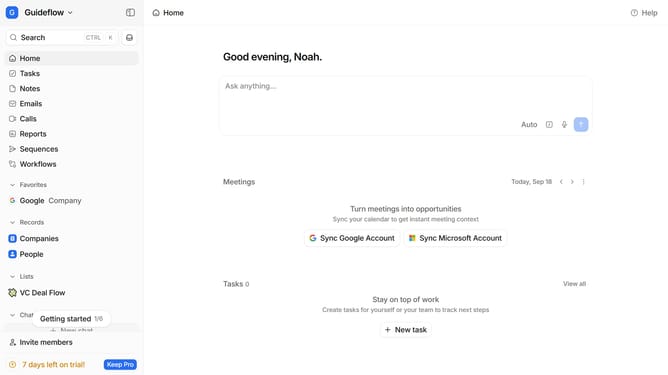
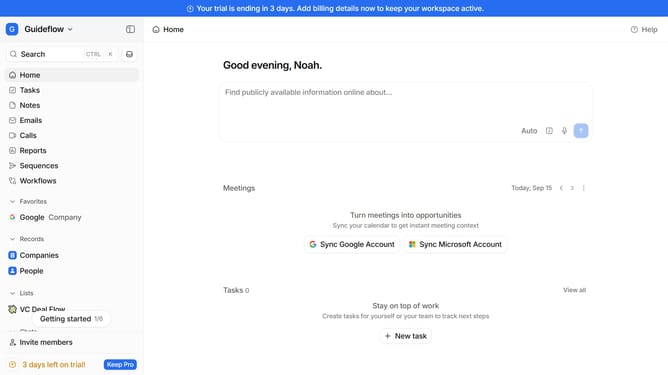
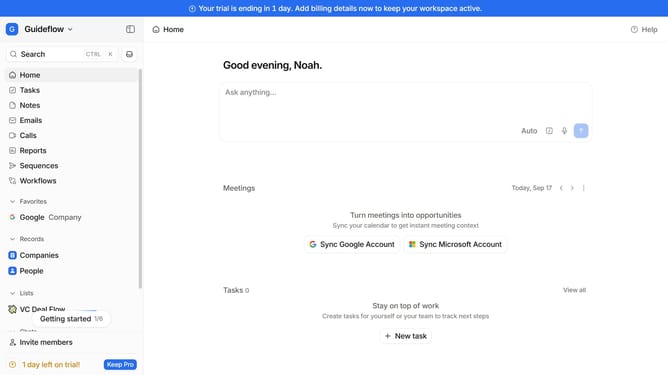
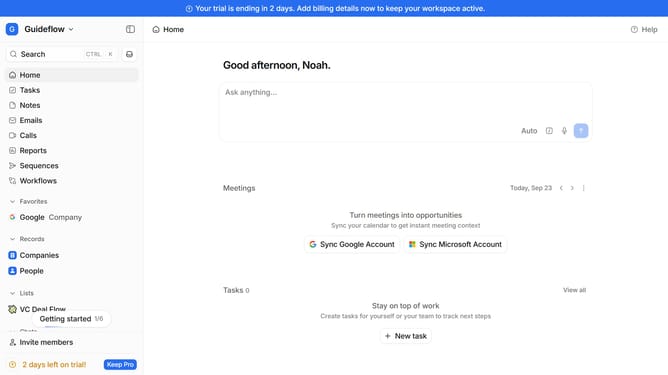
- First click on "Tasks" item in the sidebar
- Then, click on the "+ New task" option in the top right of the page
- Next, click on the text input field to create a task and type in the task you want to create
- Then, click on the date button to change the due date
- Next, click your preferred due date in the calendar
- Then, click on "@ Add assignee" button
- Next, click on the user you want to assign the task to
- Finally click on "Save" button
Why should you How to create a new task in Attio
Attio is a cutting-edge platform designed to streamline relationship management and enhance team productivity.
Creating a new task in Attio is a seamless experience that boosts efficiency by keeping everyone on the same page. With just a few clicks, users can establish tasks that are instantly accessible to all relevant team members, ensuring swift collaboration.
This feature offers the benefit of centralizing task management, reducing email overload, and providing clear priorities. By using Attio's task creation, teams can focus on what truly matters, leading to increased productivity and a more organized workflow.
Last update