How to integrate OutboundSync in Attio
Here is how to integrate outboundsync in attio
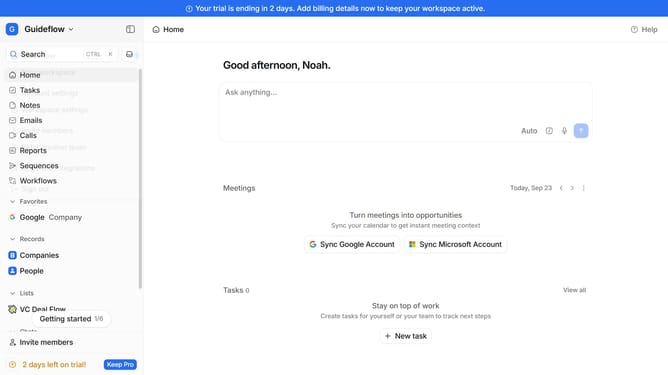
- First click on the company name dropdown button in the header
- Then click on "Apps and integrations" in the sidebar menu
- Next click on "Data and enrichment" in the sidebar menu
- Then click on the "View All" button to see more apps under the "Data and enrichment" section
- Next click on the "OutboundSync" app card in the main content area
- Finally, click the “Install” button, log in to your OutboundSync account, and continue with the configuration to complete the integration
Why should you How to integrate OutboundSync in Attio
Attio is a cutting-edge CRM that seamlessly organizes and manages your relationships for enhanced productivity.
Integrating OutboundSync with Attio offers a streamlined way to synchronize contact data across platforms effectively. By connecting OutboundSync, users experience a unified database, eliminating duplications and maintaining up-to-date information effortlessly.
This integration enhances team collaboration and boosts efficiency, allowing businesses to focus on building and nurturing relationships rather than manual data entry.
With accurate data at your fingertips, strategic decision-making becomes more informed, fostering growth and success.
Last update