How to integrate Okta in Attio
Here is how to integrate okta in attio
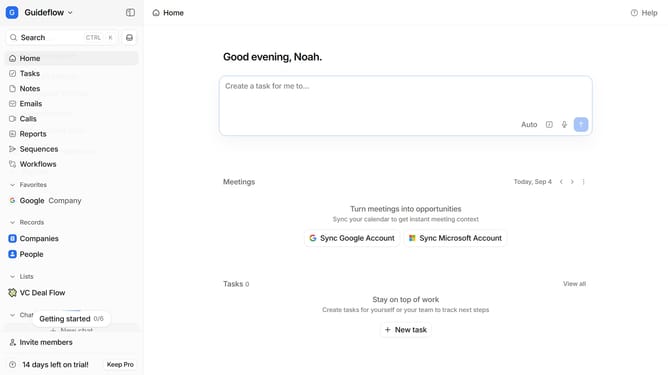
- First click on the company name dropdown button
- Then click on "Apps and integrations" in the left sidebar
- Next, scroll down in the main content area
- After that, click on the "View All" button under the Automations section
- Then click on the "Okta" integration card
- Finally, click on the "Install" button and log in to your Okta account to complete the integration
Why should you How to integrate Okta in Attio
Attio is a modern, collaborative CRM designed to revolutionize relationship management.
Integrating Okta with Attio enhances your CRM experience by streamlining user authentication and providing robust security. This integration simplifies access management, allowing users to leverage single sign-on capabilities for a seamless login process.
By using Okta within Attio, you benefit from increased security with multi-factor authentication, reducing the risk of unauthorized access. Additionally, it offers improved user management, making it easier to handle permissions and roles within your team.
Ultimately, combining Okta and Attio ensures a secure, efficient, and user-friendly environment, empowering teams to collaborate effortlessly while safeguarding vital data.