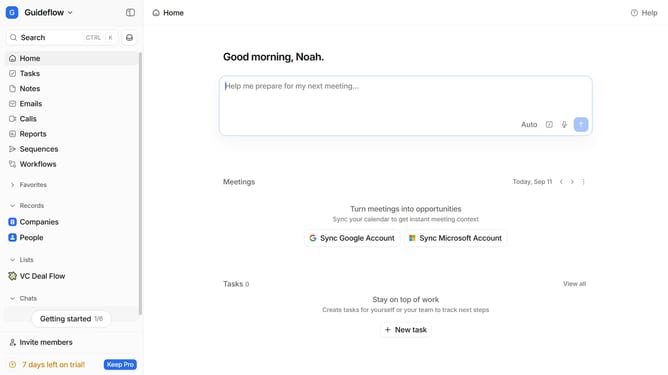
How to sort tasks by assigneed in Attio
Here is how to sort tasks by assigneed in attio
- First click on "Tasks" in the left sidebar
- Then click on "Sorted by Due date" button
- Finally select "Assignee" option from the dropdown menu
Why should you How to sort tasks by assigneed in Attio
Attio is a dynamic and intuitive platform designed to elevate your task management and collaboration experience.
Sorting tasks by assignee in Attio allows teams to quickly visualize workload distribution and enhance project clarity. This feature enables you to easily identify which team members are responsible for specific tasks, streamlining communication and accountability.
Using this approach, project managers and team leads can balance workloads more effectively and ensure that no team member is overwhelmed. It encourages transparency, promotes productivity, and ultimately leads to more successful project outcomes.
Last update