How to integrate Duplicate Detection in Attio
Here is how to integrate duplicate detection in attio
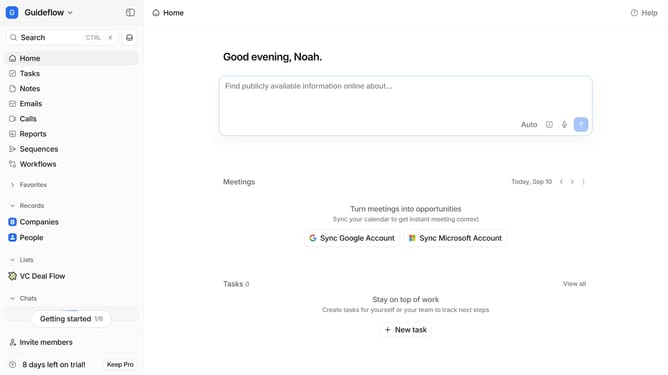
- First click on the company name dropdown button in the header
- Then click on 'Apps and integrations' in the sidebar
- Next, select 'Data and enrichment' from the sidebar menu
- Click on the 'View All' button to see all available apps under the "Data and enrichment" section
- Then, click on the 'Duplicate Detection' app card
- Click the 'Install' button for "Duplicate Detection" app
- Next, click the 'Confirm' button to grant access permissions
- Click the '+ Connect' button to establish a new connection
- Enter your workspace connection value into the 'Workspace Connection (required)' input field.
- Finally click the 'Add connection' button to finalize the integration
Why should you How to integrate Duplicate Detection in Attio
Attio is a revolutionary CRM platform designed to streamline and enhance relationship management.
Integrating Duplicate Detection in Attio is a game-changer for maintaining clean and efficient data. This feature seamlessly identifies and merges duplicate entries, ensuring your database remains accurate and organized.
Using Duplicate Detection enhances productivity by saving time and reducing manual data management tasks. It enhances data integrity, leading to more reliable insights and better decision-making.
Overall, it optimizes your workflow, allowing you to focus on building meaningful relationships rather than managing redundant data.
Last update