How to integrate Hightouch in Attio
Here is how to integrate hightouch in attio
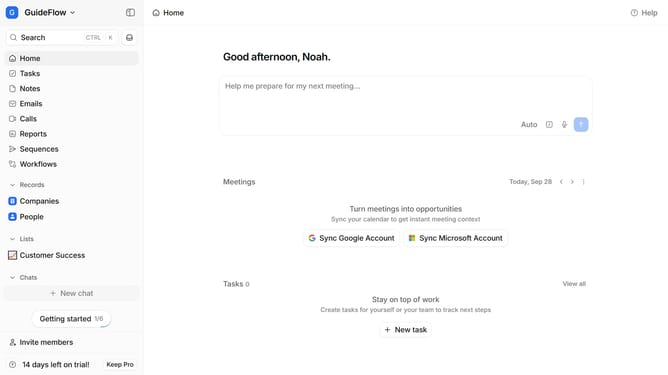
- First click on the company name dropdown button in the header
- Then click on "Apps and integrations" in the left sidebar
- Next, select "Data and enrichment" from the left sidebar menu
- Then click on the "View All" button to see all available apps under the "Data and enrichment" section
- Next, click on the "Hightouch" app card
- Finally, click the “Open” button, log in to your Hightouch account, and continue with the configuration to complete the integration
Why should you How to integrate Hightouch in Attio
Attio is a dynamic platform designed to revolutionize your CRM experience by providing powerful data management capabilities.
Integrating Hightouch with Attio enhances your workflow by syncing real-time data effortlessly. This integration allows you to connect and streamline data across tools without complex setups, ensuring your team always has the most accurate information at their fingertips.
Using Hightouch within Attio brings the benefit of seamless data updates, reducing manual input errors and improving decision-making. Enjoy the efficiency of automated data management while maintaining a comprehensive view of your customer interactions.
Last update