How to integrate First Distro in Attio
Here is how to integrate first distro in attio
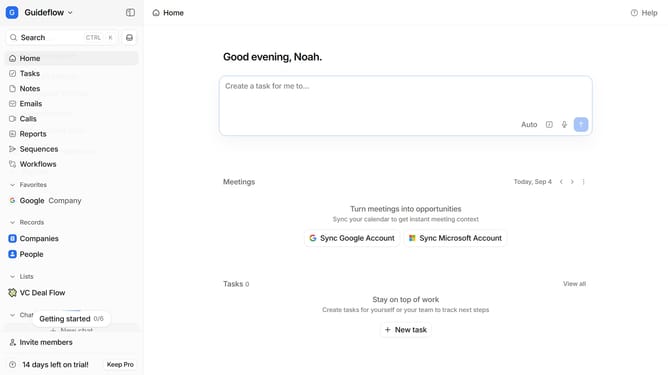
- First click on the company name dropdown button in the header
- Then click on "Apps and integrations" in the left sidebar
- Next scroll down to view more apps
- Then click on the "View All" button under the Analytics section
- Next click on the "First Distro" application
- Finally click on the "Install" button and log in to your First Distro account to complete the integration
Why should you How to integrate First Distro in Attio
Attio is a modern CRM platform designed to transform how you manage relationships and data.
Integrating First Distro within Attio enhances your CRM by streamlining communication and collaboration. This feature allows seamless data flow from distribution channels, optimizing your workflow efficiency.
Using First Distro in Attio ensures that all team members have instant access to up-to-date information, fostering better decision-making and enhancing team synergy. This integration ultimately leads to improved productivity and stronger client relationships.
Last update