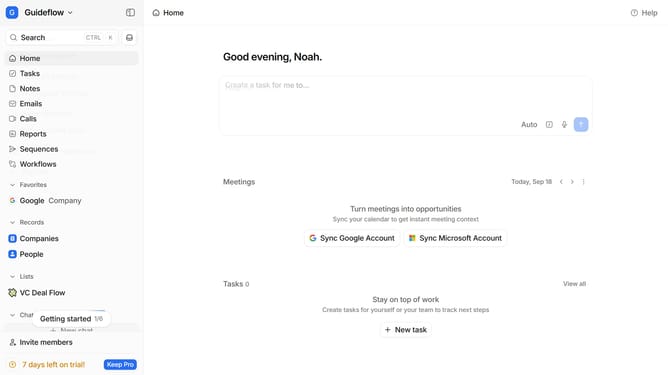
How to group tasks by creation date in Attio
Here is how to group tasks by creation date in attio
- First click on "Tasks" in the left sidebar
- Then click on the "View settings" button
- Next, hover your cursor over the "Group by" option
- Finally, select "Creation date" from the dropdown menu
Why should you How to group tasks by creation date in Attio
Attio is an innovative platform designed to enhance team productivity through seamless task management and collaboration.
Grouping tasks by creation date in Attio offers a simple yet powerful way to manage your workload effectively. This feature allows you to quickly identify and prioritize tasks based on when they were added, giving you a clear timeline of your team's progress.
Using the creation date grouping helps you maintain a structured workflow, ensuring that older tasks are not overlooked. This method supports efficient resource allocation and improves project tracking, ultimately boosting overall productivity.
Last update