How to archive a workflow in Attio
Here is how to archive a workflow in attio
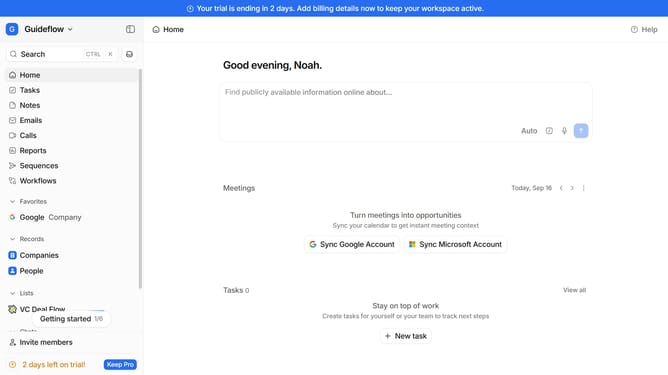
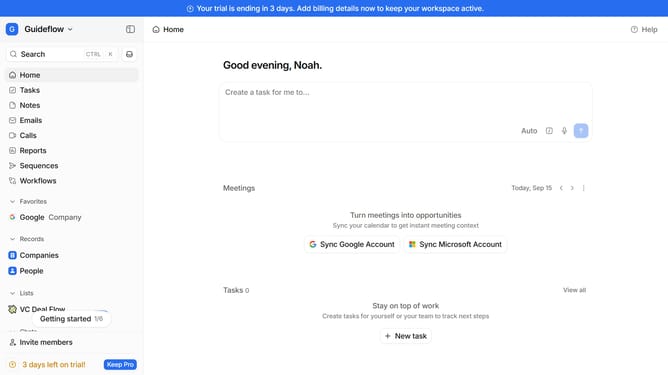
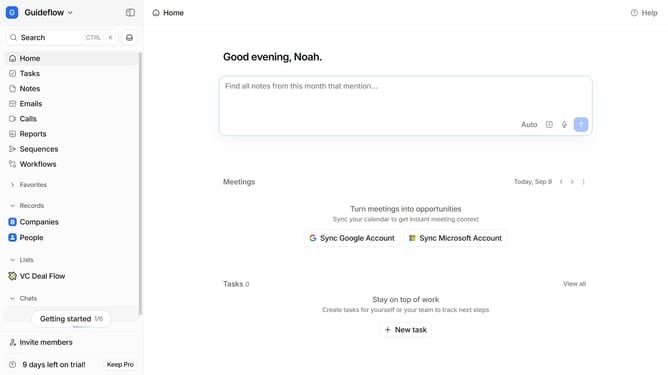
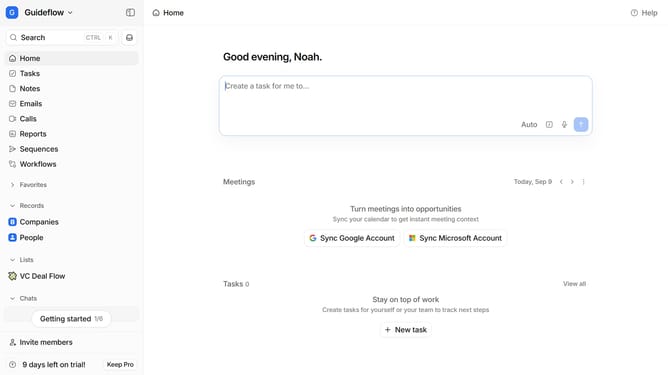
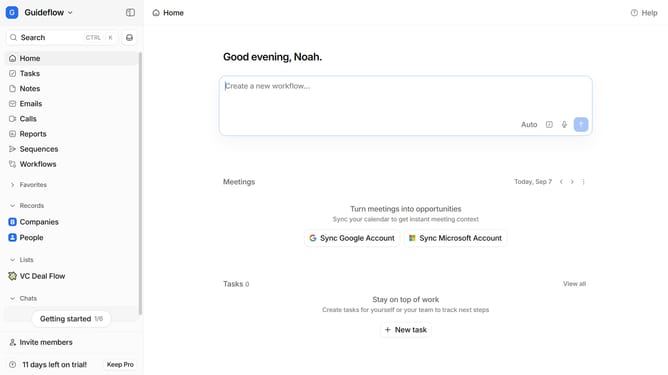
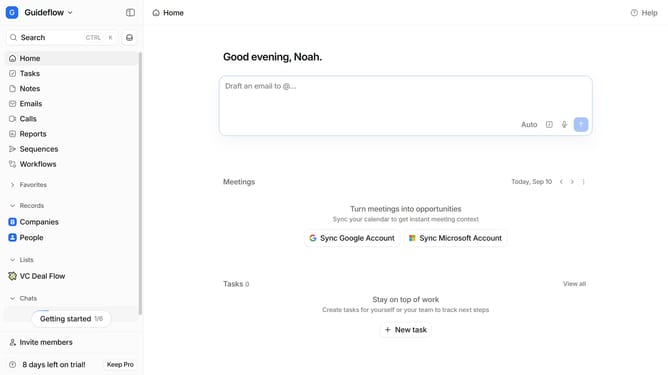
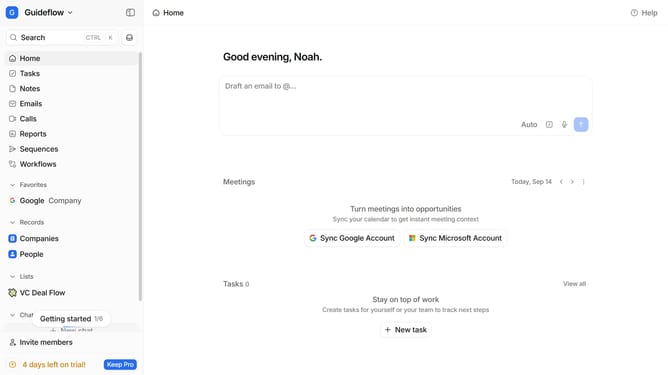
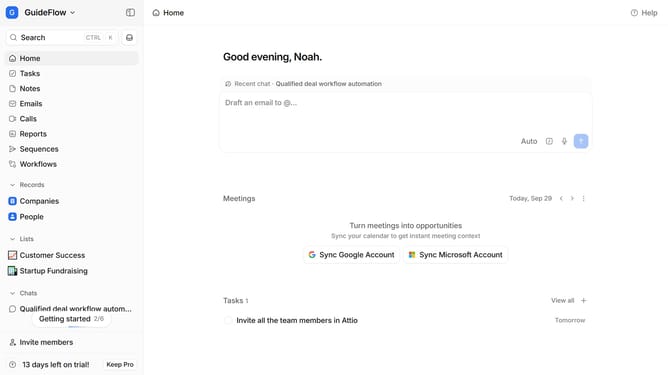
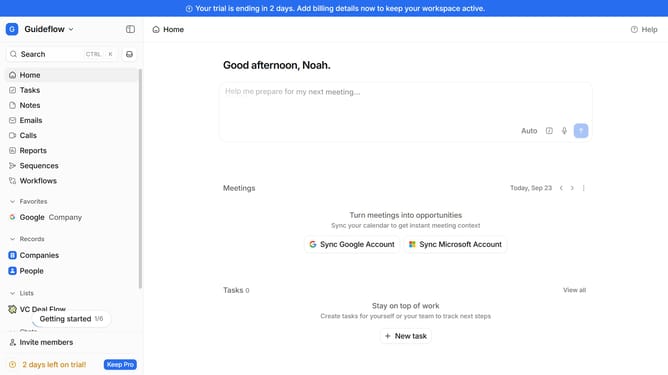
- First click on the "Workflows" item in the left sidebar
- Then hover your mouse cursor over the workflow that you want to archive
- Next click on the three dots icon that appears
- Finally click on the "Archive workflow" option
Why should you How to archive a workflow in Attio
Attio is a dynamic tool designed to revolutionize how teams manage their relationships and workflows.
Archiving a workflow in Attio is incredibly beneficial for keeping your workspace organized and efficient. By archiving, you declutter active spaces, making it much easier to focus on current tasks without distraction.
This feature is perfect for teams looking to streamline operations and enhance productivity. Archived workflows are securely stored and can be easily retrieved when needed, ensuring that no important process or data is ever lost.
Leverage the archiving feature to maintain a clean, focused, and efficient work environment, fostering an atmosphere of clarity and purpose.
Last update