How to integrate Granola in Attio
Here is how to integrate granola in attio
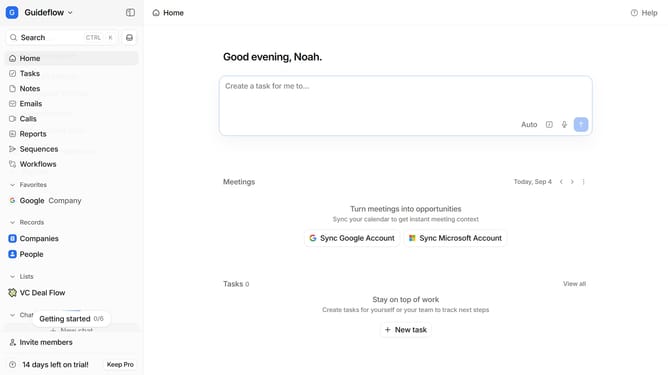
- First click on the company name dropdown
- Then select "Account settings" from the dropdown menu
- Next, click on "Apps" in the left sidebar
- After that, scroll down to view more options
- Then click on the "Granola" app card
- Finally click on the "Install" button and it wil provide you the other things you need to to with Granola to finish integrating it
Why should you How to integrate Granola in Attio
Attio is a dynamic relationship management platform designed to streamline and enhance team collaboration.
Integrating Granola into Attio elevates your team's productivity by centralizing communication and data insights.
When combined, Granola's analytical power complements Attio's intuitive interface, giving you deeper understanding and control over your interactions.
This integration fosters efficient workflows and insightful relationship management, empowering teams to make more informed decisions effortlessly.
Last update