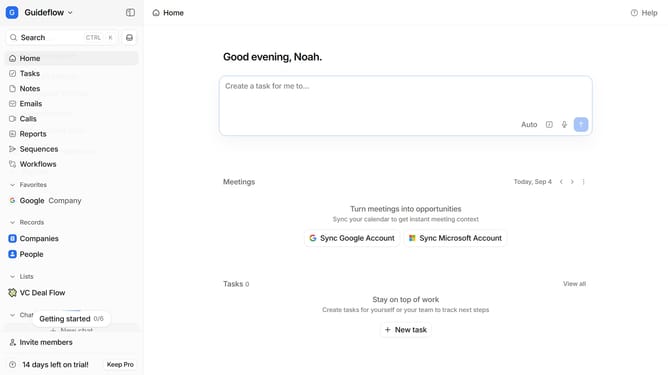
How to integrate Leadjourney in Attio
Here is how to integrate leadjourney in attio
- First click on the company name dropdown
- Then click on "Apps and integrations" in the sidebar menu
- Next, scroll down to view more apps
- After that, click on the "View All" button for the Analytics section
- Then click on "Leadjourney" in the list of applications
- Finally click on the "Install" button and log in to your Leadjourney account to finish the integration
Why should you How to integrate Leadjourney in Attio
Attio is a powerful CRM platform designed to streamline team collaboration and relationship management.
Integrating Leadjourney into Attio amplifies your CRM capabilities by seamlessly funneling leads directly into your workflow. This integration means you can effortlessly track and nurture potential clients without missing a beat.
Using Leadjourney within Attio helps to automate lead capturing, ensuring you maintain a consistent pipeline. This strategic alignment enhances productivity and maintains focus on key business relationships, driving growth and efficiency.
Last update