How to integrate Surface Labs in Attio
Here is how to integrate surface labs in attio
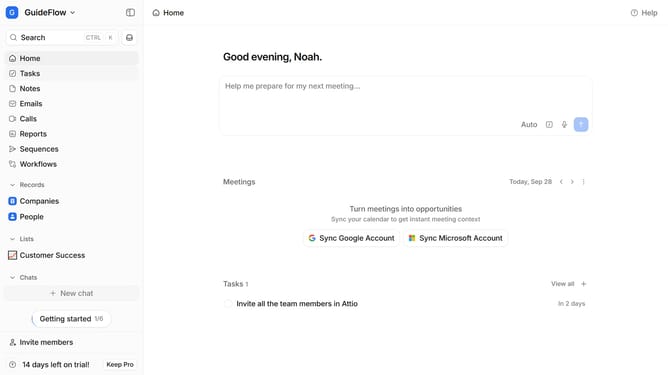
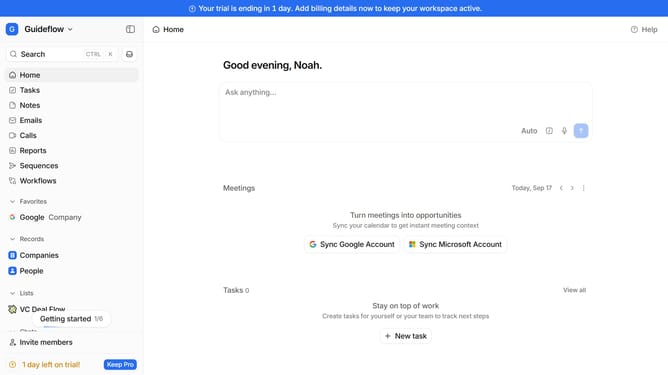
- First click on the company name dropdown button in the header
- Then click on "Apps and integrations" in the expanded navigation menu
- Next click on the "Data and enrichment" option within the navigation menu
- Then click on the "View All" button to see all available integrations under the "Data and enrichment" section
- Next click on the "Surface Labs" integration card
- Finally, click the “Install” button, log in to your Surface Labs account, and continue with the configuration to complete the integration
Why should you How to integrate Surface Labs in Attio
Attio is a cutting-edge customer relationship management platform designed to streamline and elevate client interactions seamlessly.
Integrating Surface Labs into Attio enhances this experience by leveraging advanced analytics and data visualization tools. This integration provides teams with deeper insights into customer behavior and preferences, empowering more informed decision-making.
Using Surface Labs in Attio also optimizes workflow by seamlessly combining intuitive data presentations with powerful CRM capabilities, fostering a more coherent and strategic approach to relationship management. The synergy between these features boosts productivity and enhances communication effectiveness, making it an invaluable asset for any team.
Last update