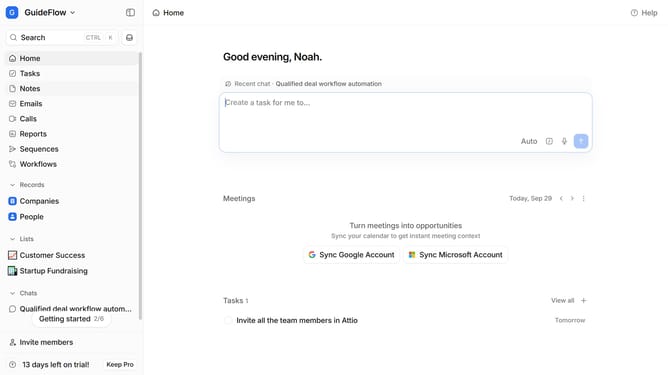
How to integrate eCore Enrichment in Attio
Here is how to integrate ecore enrichment in attio
- First click on the company name dropdown button in the header
- Then click on "Apps and integrations" from the dropdown menu
- Next, click on "Data and enrichment" in the sidebar menu
- Then click on the "View All" button under the "Data and enrichment" section
- Click on "eCore Enrichment" to select the app
- Click on the "Install" button for eCore Enrichment
- Next, click on the "Confirm" button
- Finally, click on the "Connect" button and log in your "eCore Enrichment" account then continue with the configuration to complete the integration
Why should you How to integrate eCore Enrichment in Attio
Attio is a modern CRM platform designed for dynamic relationship management, seamlessly integrating your contacts and communication.
Integrating eCore Enrichment into Attio enhances the platform by automatically enriching contact data with valuable insights. This integration allows for more complete and up-to-date profiles, making interactions more informed and personalized.
With enriched data, teams gain quick access to relevant information, leading to better decision-making and streamlined workflows. This integration ultimately fosters deeper relationships and boosts productivity by allowing users to focus on meaningful engagement.
Last update