How to integrate SiteSeam in Attio
Here is how to integrate siteseam in attio
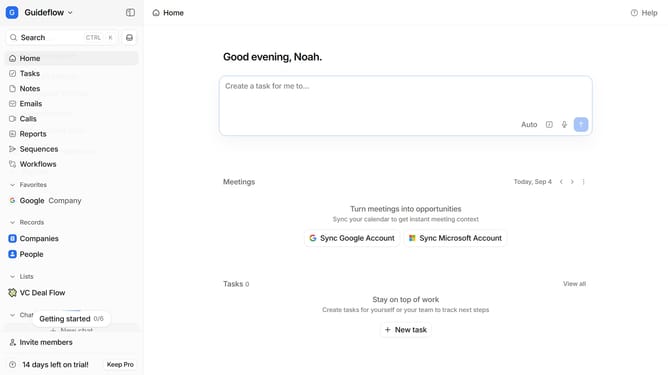
- First click on on the company name dropdown in the header
- Then click on "Apps and integrations" item in the sidebar
- Next scroll down in the "Apps and integration" modal
- Click on "SiteSeam" card in the "Forms and surveys" section
- Finally click on the "Install" button and log in to your SiteSeam account to complete the integration
Why should you How to integrate SiteSeam in Attio
Attio is a dynamic CRM platform designed to revolutionize relationship management.
Integrating SiteSeam with Attio seamlessly enhances your data synchronization capabilities. This feature leverages the strengths of both platforms, allowing for a streamlined amalgamation of data insights. By doing so, it optimizes your workflow and enriches client interactions.
Using SiteSeam within Attio helps ensure that your communication is future-proof and efficient, providing real-time updates that foster more informed decision-making. This integration empowers teams with a more coherent and unified approach to their CRM processes.
Last update