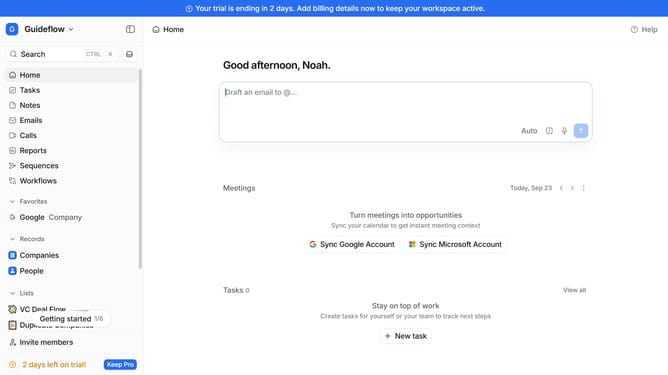
How to integrate Never Bounce in Attio
Here is how to integrate never bounce in attio
- First click on the company name dropdown button in the header
- Then click on "Apps and integrations" in the sidebar
- Next click on "Data and enrichment" in the sidebar
- Then click on the "View All" button under the "Data and enrichment" section
- Next click on the "Never Bounce" integration card
- Then click on the "Install" button for "Never Bounce" app
- Then click on the "Confirm" button to grant access
- Next click on the "+ Connect" button
- Then enter your API key in the "Workspace Connection" input field
- Finally click on the "Add connection" button to complete the integration
Why should you How to integrate Never Bounce in Attio
Attio is a dynamic CRM solution designed to transform how teams manage and utilize customer data.
Integrating Never Bounce with Attio ensures your email lists are clean and effective by verifying addresses before engagement. This seamless integration boosts email deliverability and reduces bounce rates, ensuring your communications reach the intended recipients.
By using Never Bounce within Attio, you can maintain a high-quality contact list, improving interaction efficiency and optimizing your outreach strategies.
Ultimately, this integration enhances your CRM capabilities, fostering more meaningful client relationships and streamlined operations.
Last update