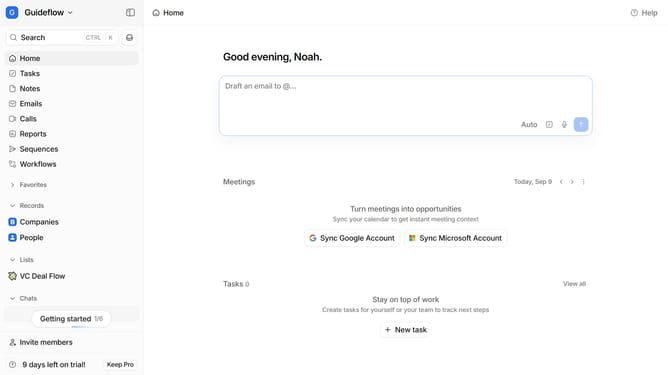
How to delete a note in Attio
Here is how to delete a note in attio
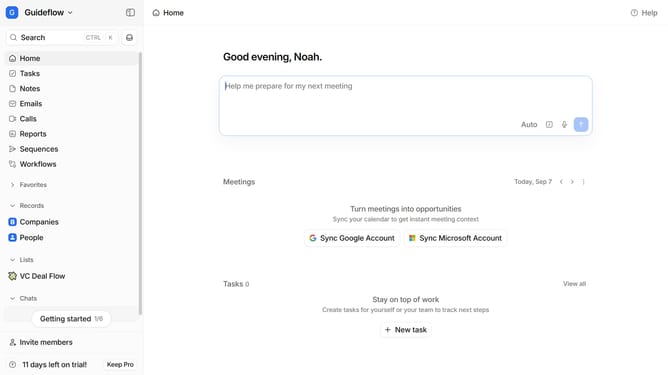
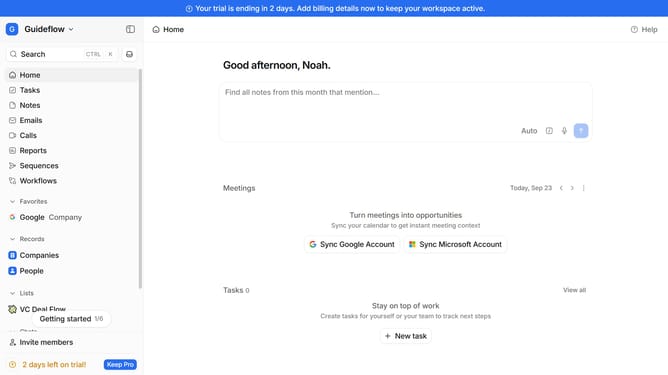
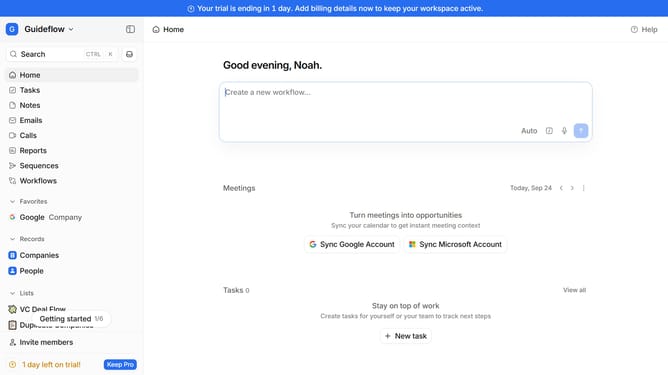
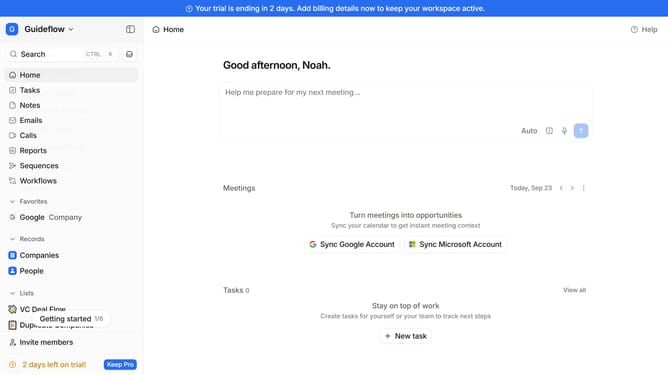
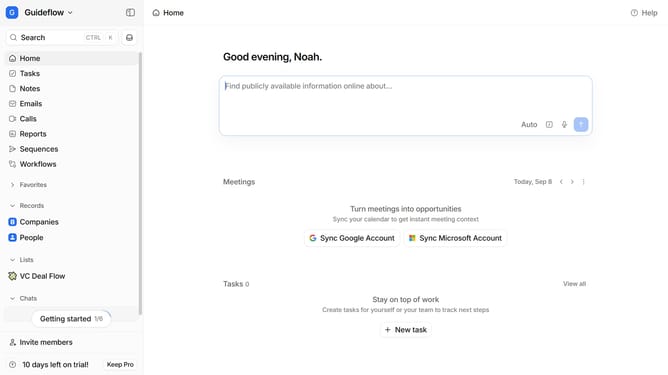
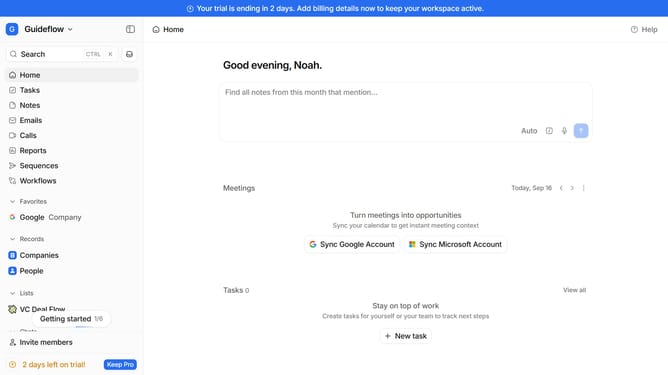
- First click on the "Notes" item in the left sidebar
- Then hover your mouse cursor over the note that you want to delete
- Next click on the three dots icon to open the options menu
- Then click on the "Delete note" option
- Finally click on the "Confirm" button
Why should you How to delete a note in Attio
Attio is a dynamic tool designed to revolutionize relationship management through exceptional organization and collaboration.
Deleting a note in Attio offers a streamlined way to maintain the relevance and accuracy of your data. It ensures your workspace remains uncluttered and focused.
This feature allows you to keep only the most pertinent information at your fingertips, boosting productivity and clarity. By easily removing outdated or unnecessary notes, you help your team access the most relevant insights quickly, fostering a more efficient workflow.
Last update