How to input a title block on a campaign in Brevo
Here is how to input a title block on a campaign in brevo
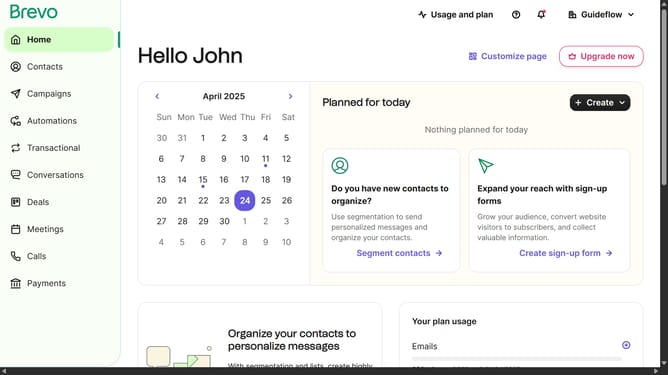
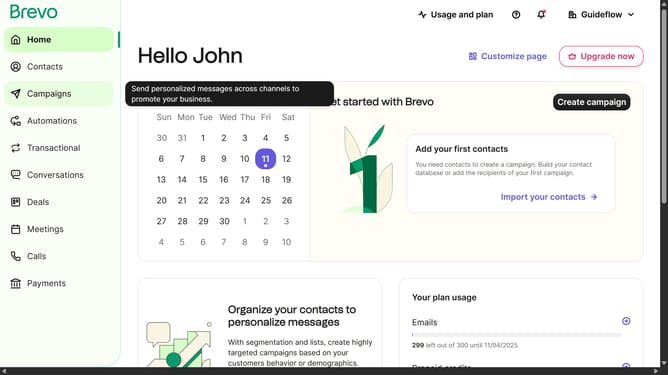
- First click on "Campaigns" in the left sidebar menu
- Then click on the "Market Email" draft campaign from the list
- Next click on the "Edit design" button in the campaign editor
- Next click on the "Title" block in the left sidebar under the Blocks section
- Then click in the title text field at the top of the main content area
- Finally open the text settings panel by clicking the "Text settings" section in the left sidebar
Why should you input a title block on a campaign in Brevo
Brevo is a dynamic platform designed to streamline your marketing campaigns, enhancing engagement and communication with your audience.
Utilizing a title block in your Brevo campaign allows you to succinctly convey the core message at a glance. This feature helps in capturing the attention of the audience right from the start, making your campaign more effective.
By clearly defining the topic of your campaign, the title block aids in improving readability and ensuring your message resonates well with your audience, enhancing both user experience and campaign success.
Last update