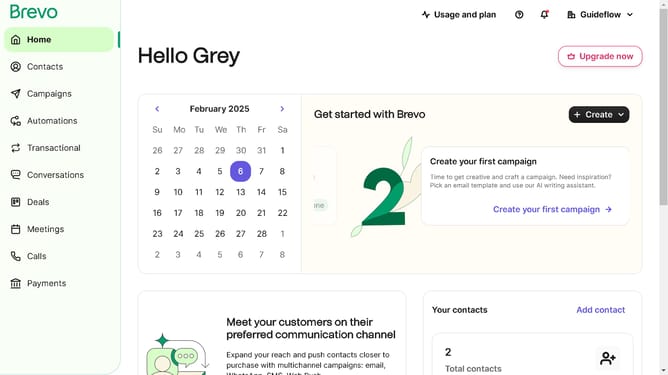
How to input a social media links in Brevo
Here is how to input a social media links in brevo
- First click on "Campaigns" in the left sidebar menu
- Then click on the "Market Email" draft campaign from the list
- Next click on the "Edit design" button in the campaign editor
- Then click and drag on the "Title" block option in the left sidebar blocks menu
- Finally click on the collapsible arrow in the "Social media links" section of the editor to input your social media links
Why should you input a social media links in Brevo
Brevo is your go-to platform for streamlined customer communication and engagement.
One standout feature of Brevo is its ability to effortlessly incorporate social media links. This feature ensures that your audience easily connects with your other online presences, thereby amplifying your brand's reach.
Embedding social media links in Brevo enhances your digital footprint and facilitates seamless engagement across platforms. This integration helps in building a more cohesive and interactive customer experience.
Ultimately, utilizing social media links in Brevo enriches your marketing strategy by connecting your content with a broader audience.
Last update