How to hide page outline in Zoom Docs
Here is how to hide page outline in zoom docs
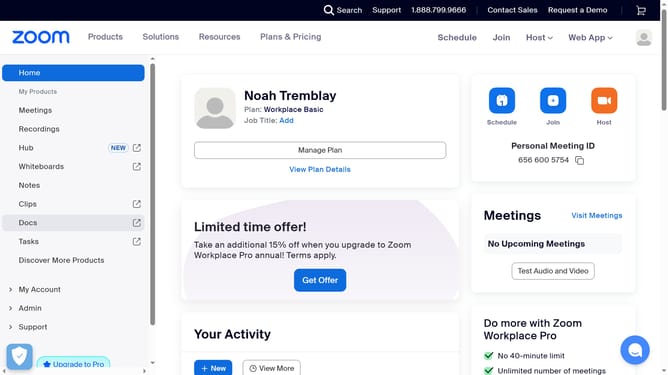
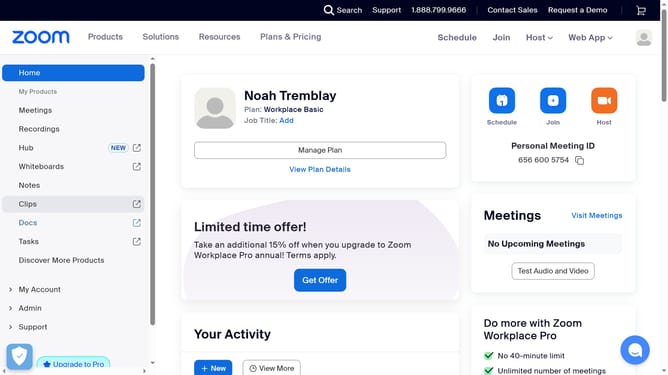
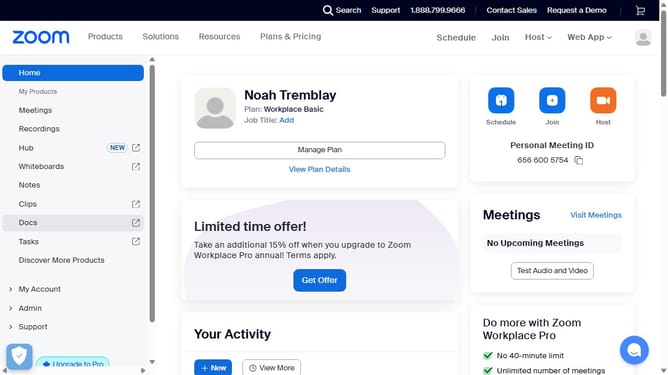
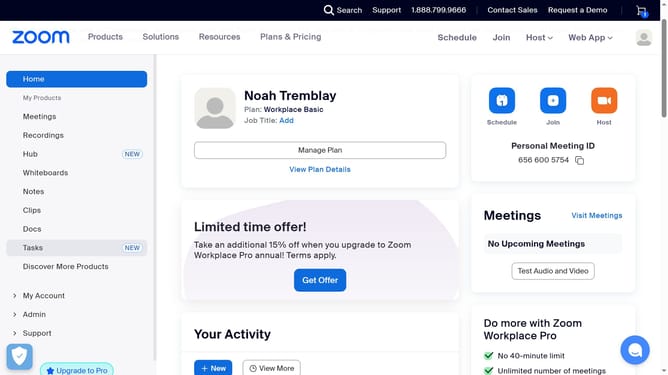
- First click on the "Docs" option in the left sidebar menu
- Then open the document where you want to hide the page outline
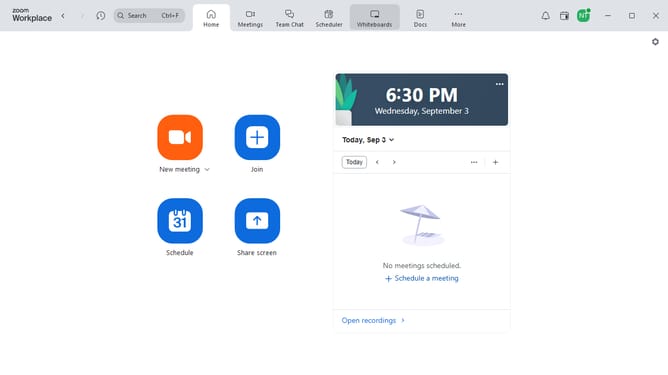
- Next click on the "More" menu button in the top toolbar
- Then select "Page options" from the dropdown menu
- Finally turn off the "Outline" toggle to hide the page outline from the document sidebar
Why should you hide page outline in Zoom Docs
Zoom is a versatile platform that bridges communication gaps worldwide with seamless video conferencing and collaboration tools.
The ability to hide page outlines in Zoom Docs is an efficient feature for users who wish to focus solely on the content. By removing distracting visual borders, this feature enhances concentration and streamlines your writing environment.
It caters particularly well to creative minds and detail-oriented projects, allowing users to visualize their work in a clutter-free format, leading to clearer focus and boosted productivity.
Embrace this feature to maintain a minimalist workspace, facilitating sharper thinking and better content creation without the distraction of unnecessary edging.
Last update