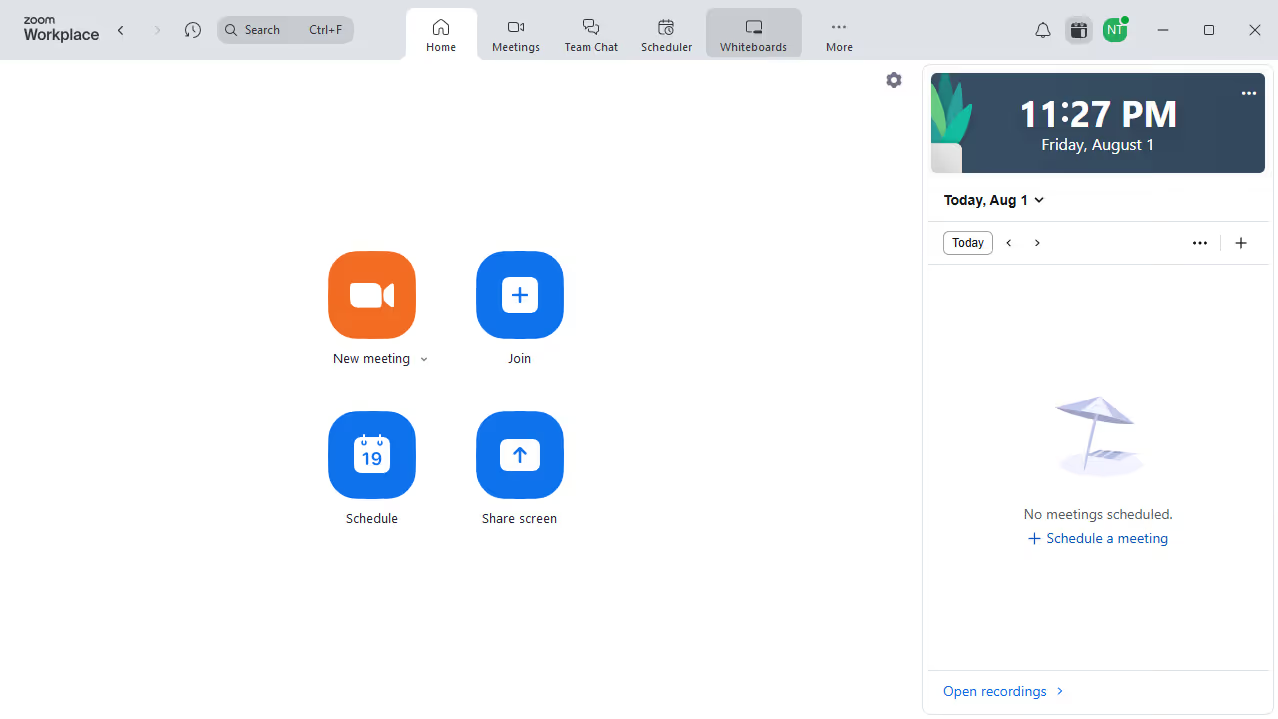
Here is how to find starred documents in zoom docs
- First click on the "Docs" option in the left sidebar menu
- Then click on the "Starred" folder in the left navigation panel
- Finally browse the list to find and open your starred documents


Create your own interactive guide with Guideflow
Zoom is a dynamic platform designed to streamline communication and collaboration across distances.
One of the key features in Zoom Docs is the ability to find starred documents effortlessly.
This feature allows you to quickly access important documents by marking them, ensuring you never waste time searching through countless files.
By utilizing this feature, you can enhance your productivity and focus on what truly matters.
Why leading companies build with Guideflow