Zoom
Zoom is a unified communications platform for video, phone, chat, and webinars. It helps teams connect, collaborate, and boost productivity with powerful, intuitive tools.
Website
Industry
Collaboration
Share this article:

How to turn off title in Zoom Docs

Here is how to turn off title in zoom docs

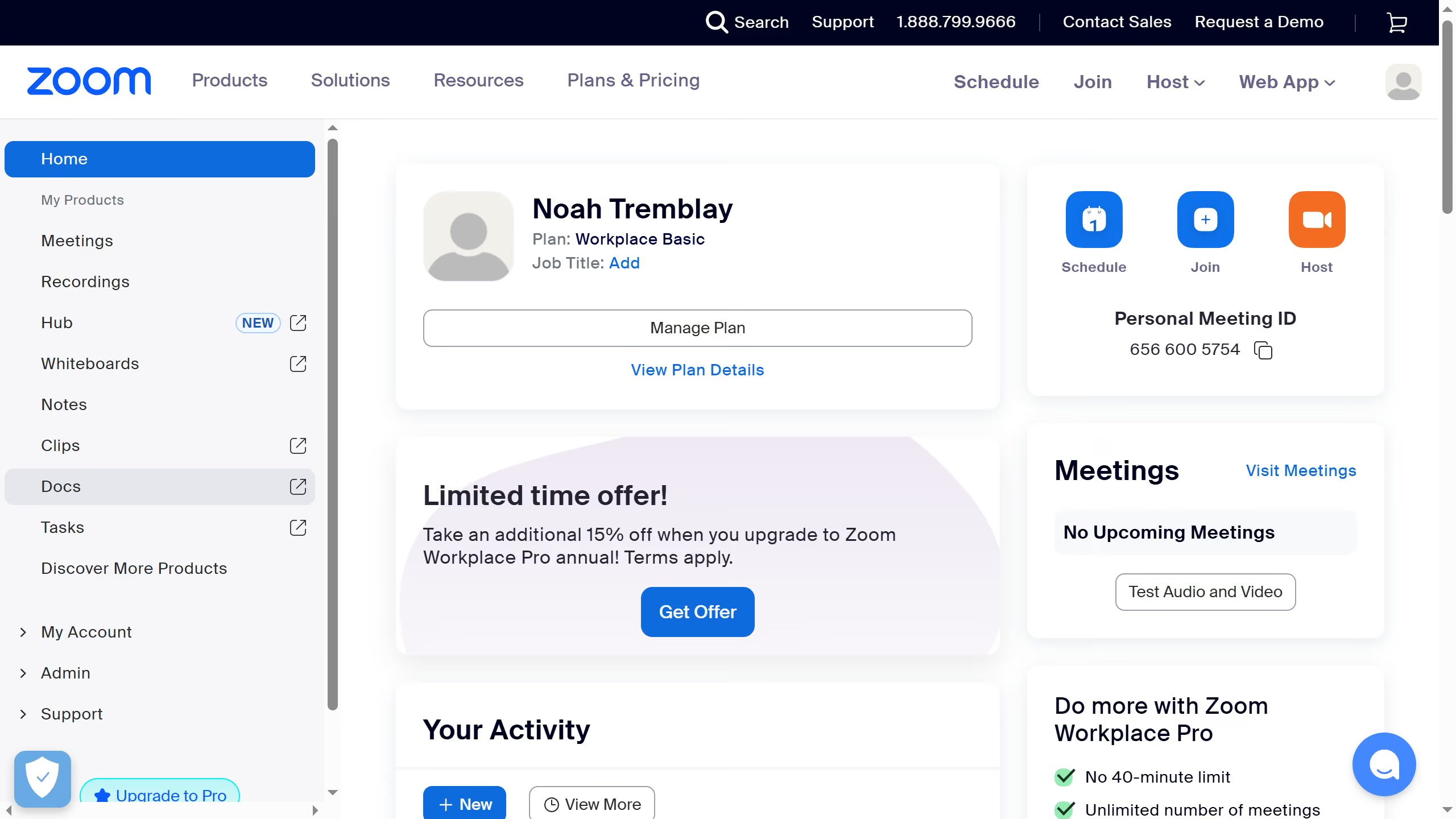
  1. First click on the "Docs" option in the left sidebar menu
  2. Then open the document where you want to hide the title
  3. Next click on the "More" menu button in the top toolbar
  4. Then select "Page options" from the dropdown menu
  5. Finally turn off the "Title" toggle to hide the document title

Create your own interactive guide with Guideflow

Why should you turn off title in Zoom Docs

Zoom, a seamless communication platform, elevates virtual interactions with ease and clarity.

Among its versatile features, Zoom Docs offers a refined option to turn off titles, enhancing document aesthetics.

This feature is perfect for users seeking a minimalistic view or desiring less distraction during presentations.

By opting to hide titles, authors can focus on crafting content that flows smoothly, ensuring that the audience remains engaged without unnecessary interruptions.

Last update
May 29, 2026
Cursor MariaA cursor points to a button labeled "James."

Create your first demo in less than 30 seconds.