Asana
Asana is a work management tool for planning, tracking, and executing projects.
Website
Industry
Project Management
Share this article:

How to filter tasks by progress in list view in Asana

Here is how to filter tasks by progress in list view in asana

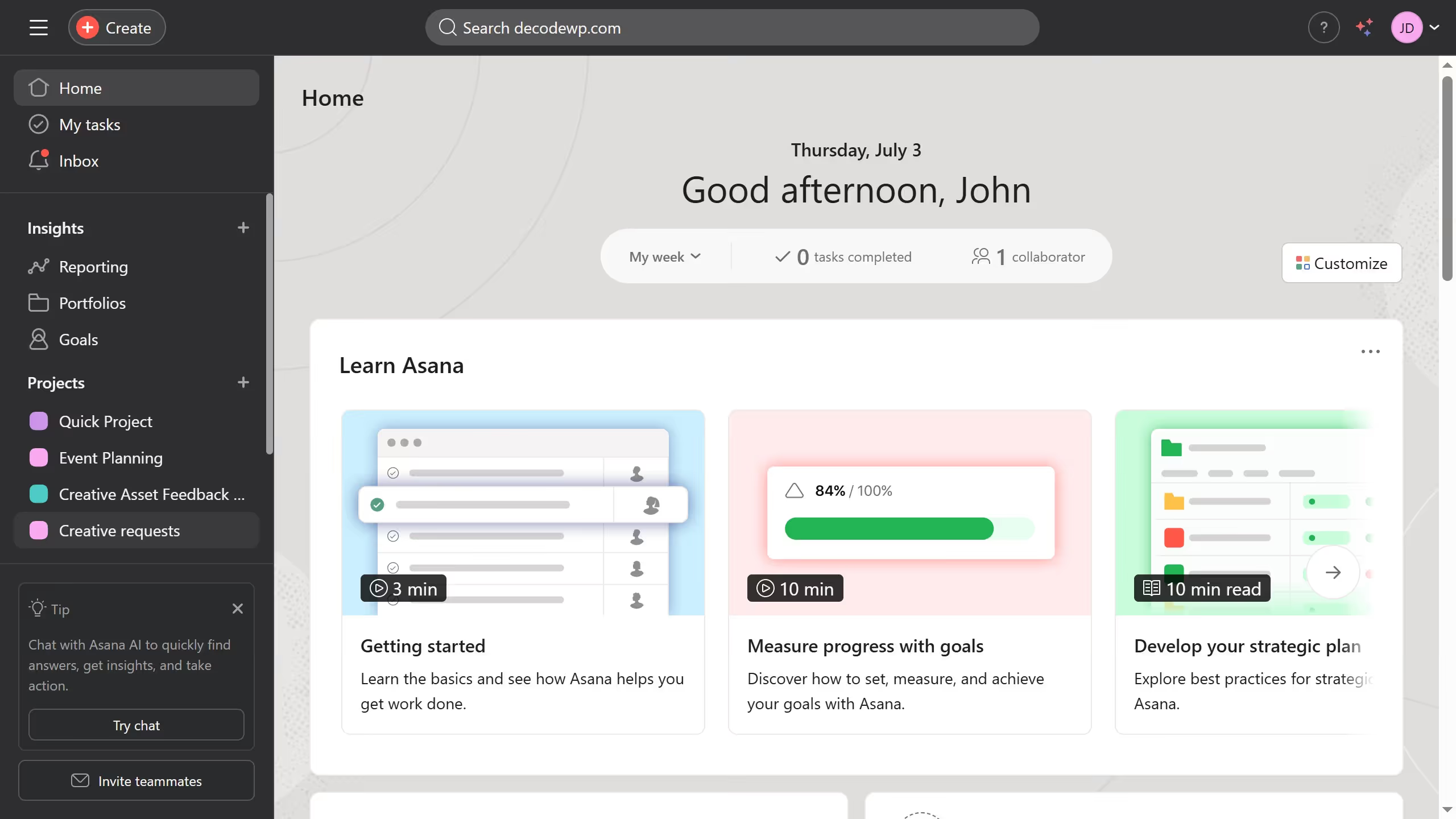
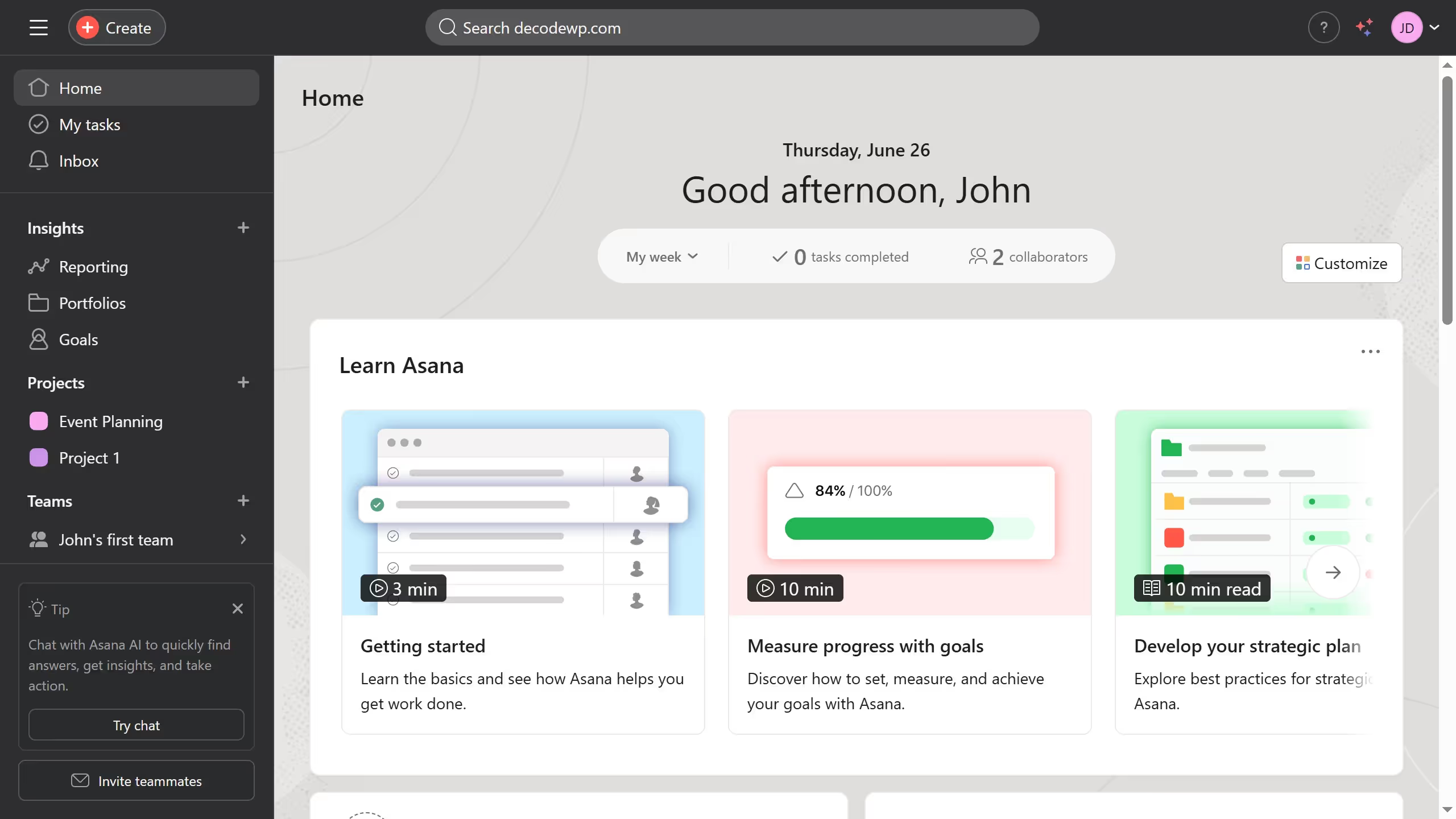
  1. First click on a project in the left sidebar
  2. Then click on "List" view in the top navigation menu
  3. Next click on "Filter" button in the task list toolbar
  4. Then click on "Add filter" button in the filter panel
  5. Next select "Task Progress" from the filter dropdown menu
  6. Then click on the task progress drop down menu in the task progress filter
  7. Next click the checkbox for the task progress status you want from the dropdown menu
  8. Finally click on "Save view" button in the top right corner of the task list

Create your own interactive guide with Guideflow

Why should you filter tasks by progress in list view in Asana

Asana is a versatile project management tool designed to enhance team collaboration and streamline task management.

One standout feature in Asana is the ability to filter tasks by progress in list view. This option allows users to quickly identify tasks based on their completion status, offering greater control over project workflows.

Using this feature, teams can prioritize tasks more efficiently, improving productivity. It’s especially beneficial for managers monitoring team progress, ensuring nothing falls through the cracks.

Ultimately, filtering by progress in Asana’s list view enhances organizational clarity and ensures a steady flow toward project goals.


Last update
June 23, 2026
Cursor MariaA cursor points to a button labeled "James."

Create your first demo in less than 30 seconds.