How to filter personal spaces in Confluence
Here is how to filter personal spaces in confluence
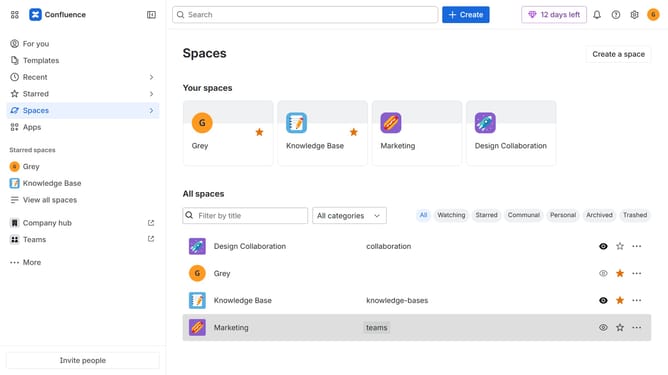
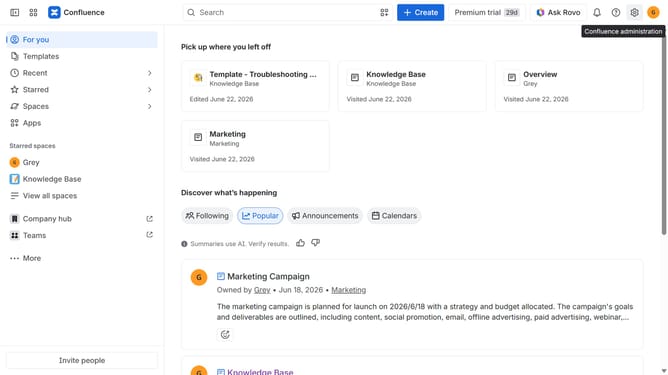
- First, click on "Spaces" in the left sidebar
- Next, select "View all spaces" in the dropdown menu
- Then, locate the filter options at the top of the spaces list
- Finally, click on the "Personal" option to filter the spaces
Why should you filter personal spaces in Confluence
Confluence is a collaborative workspace that boosts productivity and teamwork.
Filtering personal spaces in Confluence ensures a streamlined and focused view of your most pertinent projects and tasks.
By spotlighting specific personal spaces, users can concentrate on key information, minimizing distraction and enhancing workflow efficiency.
This feature not only optimizes personal organization but also promotes a cleaner, more manageable digital workspace, allowing individuals to navigate their content with ease.
Last update