How to filter apps by the Automation use case in the Confluence Marketplace
Here is how to filter apps by the automation use case in the confluence marketplace
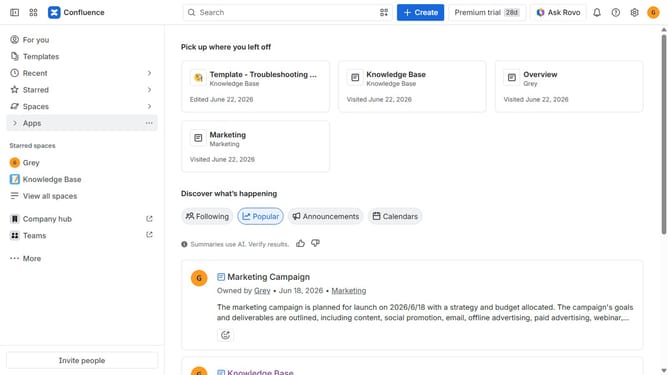
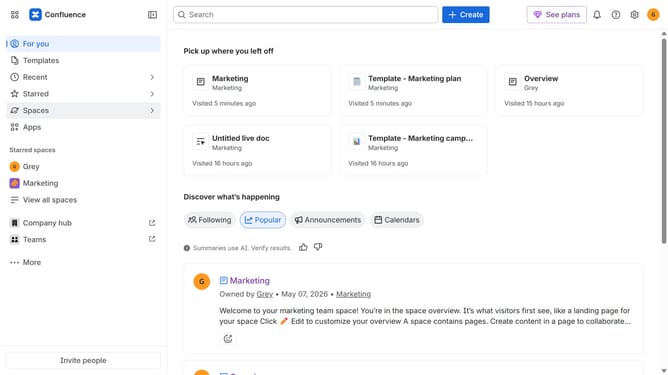
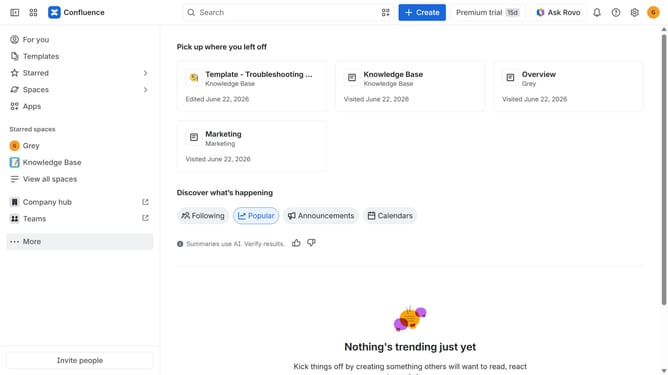
- First click on the "Apps" in the left sidebar
- Next, click on the "Explore more apps" option
- Click on the "Use cases" filter in the top menu bar
- Then, select the "Automation" checkbox
- Optionally, select additional use case options
Why should you filter apps by the Automation use case in the Confluence Marketplace
Confluence is a powerful collaboration tool that helps teams create, share, and organize work all in one place.
When navigating the Confluence Marketplace, filtering apps by the Automation use case can significantly streamline your search. This feature catalogues only the apps designed to automate workflows, thus saving valuable time in identifying the right tools for your needs.
Using this filter is immensely beneficial as it directly points you to solutions tailored to enhance efficiency and productivity. It simplifies the process of maximizing Confluence's automation potential, leading to optimized team performance.
Last update