How to filter apps by Requirements Management use case in the Confluence Marketplace
Here is how to filter apps by requirements management use case in the confluence marketplace
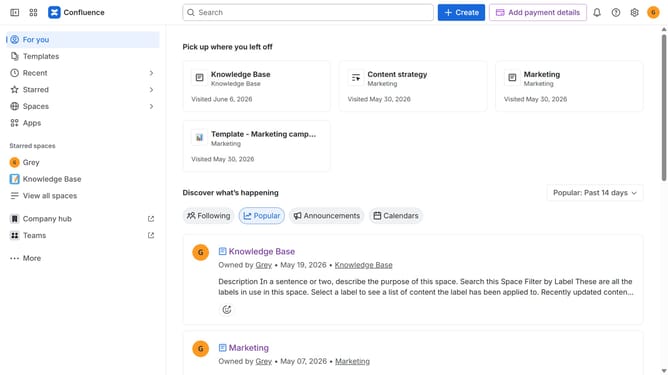
- First click on "Apps" in the left sidebar
- Next, click on the "Explore more apps" option
- Click on the "Use cases" filter below the search bar
- Then, select the "Requirements Management" checkbox
- Optionally, select additional use case options
Why should you filter apps by Requirements Management use case in the Confluence Marketplace
Confluence is a powerful collaboration tool designed to enhance team productivity by facilitating seamless information sharing.
If you're looking to streamline requirements management within Confluence, filtering apps by this use case in the Confluence Marketplace is your go-to feature. Simply navigate to refine your choices effectively, ensuring you quickly find apps tailored to manage complex project requirements.
Utilizing this filter not only saves time but ensures your team is equipped with the right tools, enhancing overall project efficiency and success.
Last update