How to export legacy content from a Confluence space
Here is how to export legacy content from a confluence space
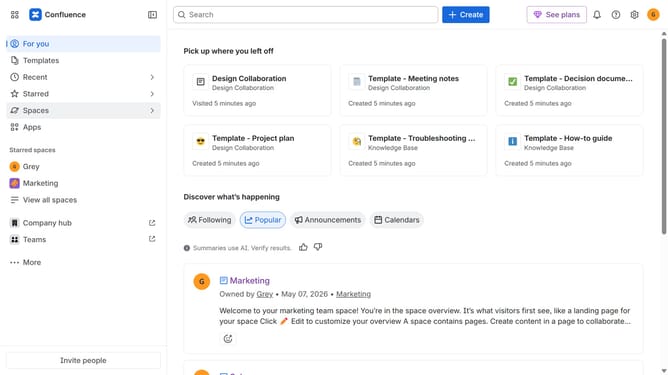
- First, navigate to the spaces list page and open the space you want to manage
- In the left sidebar, click on the three dots menu next to the space name
- Next, click on "Space settings" in the dropdown menu
- In the settings menu, click on "General"
- Click on the "Legacy content" option in the submenu
- Next, select the legacy content type you want to export
- Then click on the "Export CSV" button
- Finally, once the export is ready, click on the "Download CSV" button to export the selected legacy content
Why should you export legacy content from a Confluence space
Confluence is a versatile workspace that fosters collaboration and knowledge sharing within teams.
Exporting legacy content from a Confluence space ensures important data is retained and organized. This feature helps in archiving and migrating essential information without losing context.
By exporting legacy content, you maintain data integrity and facilitate smooth transitions during software upgrades or organizational changes. Simplifying access to historical data enhances workflow efficiency and supports informed decision-making.
Last update