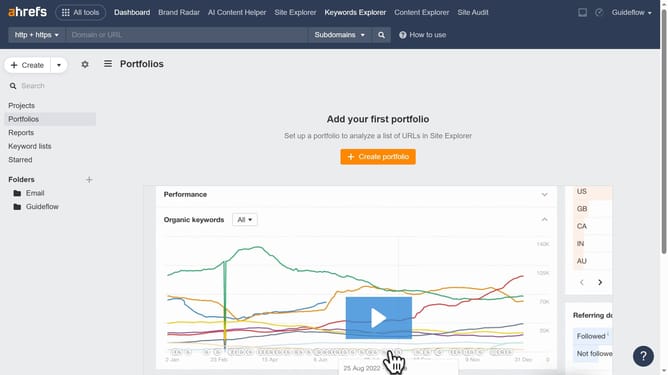
How to export inbound links with page metrics in Ahrefs
Here is how to export inbound links with page metrics in ahrefs
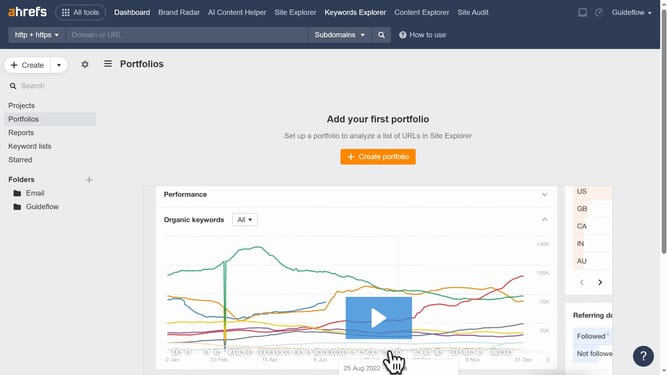
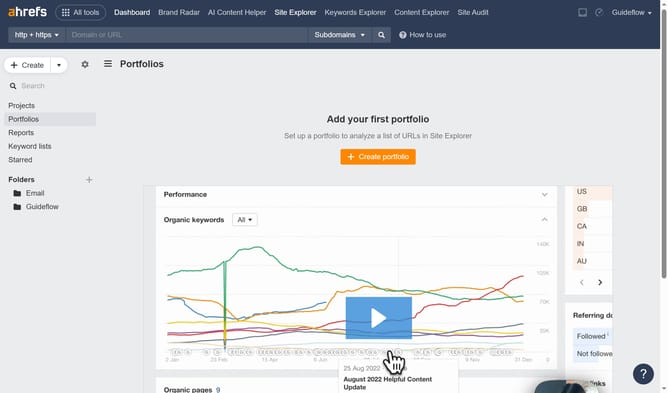
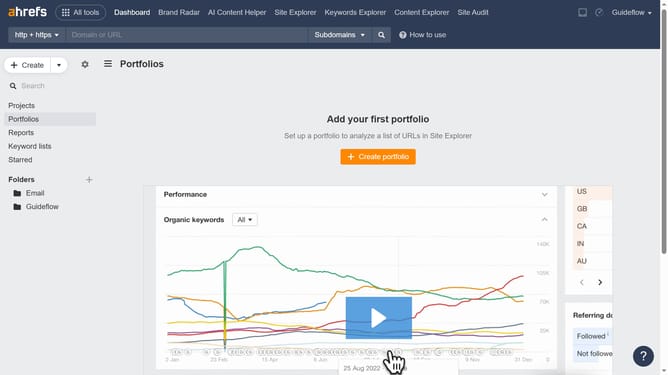
- First click on "Site Explorer" in the top navigation menu
- Then click on the domain input field in the search bar to enter a URL
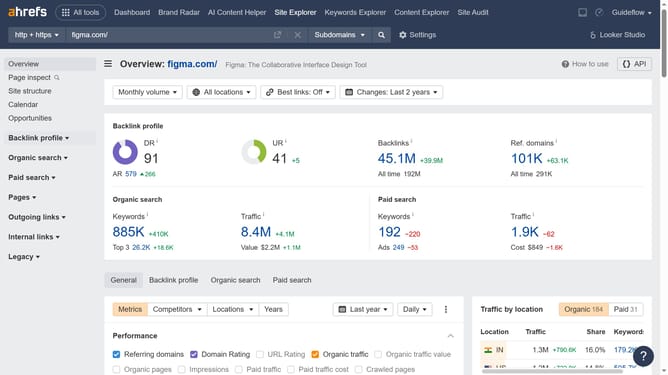
- Click the "Search" button to analyze the URL
- Click "Backlinks" in the left sidebar menu
- Click the "Export" button in the top right corner of the backlinks table
- Finally click the "Export" button in the export dialog window to download the data
Why should you export inbound links with page metrics in Ahrefs
Ahrefs is a leading SEO tool designed to enhance website visibility and performance.
The feature allowing you to export inbound links with page metrics in Ahrefs is incredibly beneficial.
This capability provides a comprehensive overview of who links to your site and the quality of those links, helping you to pinpoint the most valuable connections.
With this knowledge, refining your link-building strategy becomes a streamlined process, ultimately boosting your site's search engine rankings and maximizing impact.
Last update