How to export a Miro board
Here is how to export a miro board
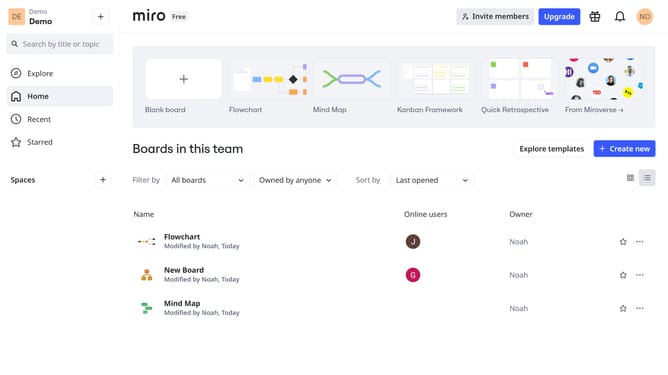
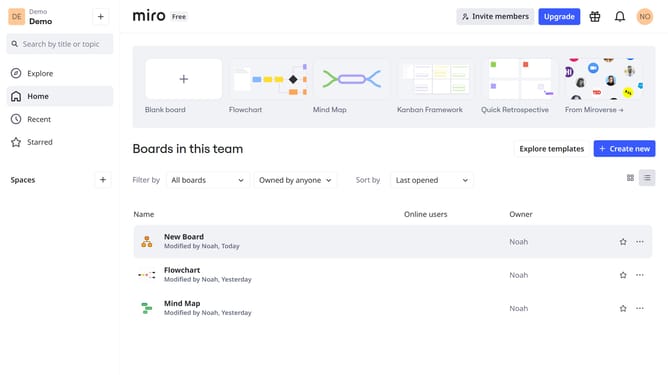
- First click the board you want to export from the dashboard
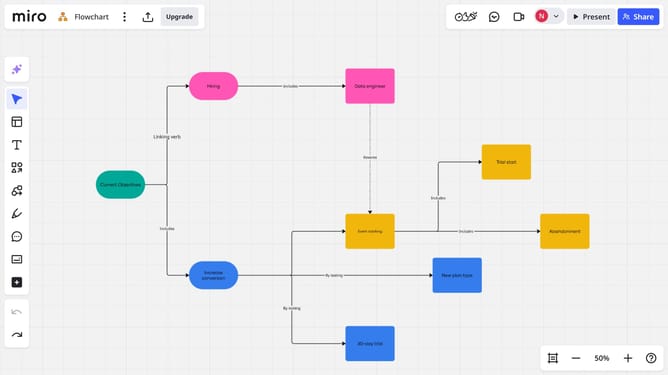
- Then click on the "Export" icon in the top header bar
- Finally choose the export format you want (PDF, image, or CSV)
- The file will be generated and downloaded to your device
Why should you export a Miro board
Miro is a versatile online collaborative whiteboard platform designed to enhance team collaboration and creativity.
Exporting a Miro board allows you to share your collaborative efforts effortlessly. This feature ensures that your team's insights, brainstorming sessions, and project plans are accessible to those who need them, even offline.
Utilizing the export function comes with several benefits. It provides the flexibility to present your ideas in meetings, collaborate with external stakeholders, or maintain a secure archive of your team's creativity and strategic planning.
Last update