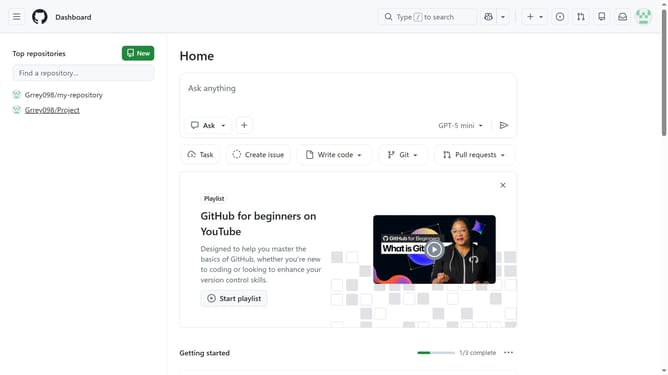
How to enable IP address disclosure in audit logs in your GitHub organization
Here is how to enable ip address disclosure in audit logs in your github organization
- First click on your profile picture in the top-right corner of the header
- Next click on "Organizations" in the dropdown menu
- Click on the "Settings" button next to the organization
- In the left sidebar, click on "Logs" under the "Archive" section
- Click on the "Audit log" option in the expanded menu
- Click on "Settings" tab in the top navigation menu
- Then check the "Enable source IP disclosure" checkbox to enable it
- Finally click on "Save" button to save the changes
Why should you enable IP address disclosure in audit logs in your GitHub organization
GitHub is a platform designed for seamless collaboration and version control in software development.
Enabling IP address disclosure in audit logs within your GitHub organization allows for enhanced security and transparency. This feature provides detailed logs that help track changes more effectively.
With this function enabled, you can detect unauthorized access swiftly, ensuring a secure environment. It not only boosts security but also aids in compliance auditing, making your development processes more robust.
This extra layer of verification fosters trust within your team, reinforcing organizational confidence.
Last update