How to share a Copilot Chat conversation on GitHub
Here is how to share a copilot chat conversation on github
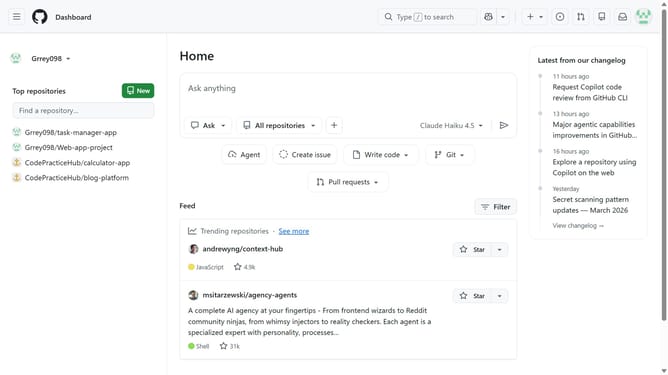
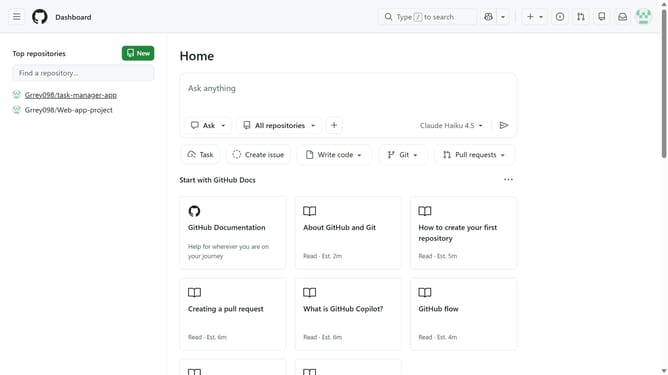
- First click on the "Copilot" button next to the search bar in the top navigation bar
- Next open the conversation you want to share in the sidebar
- Click on the "Share" button in the header
- Then click on the "Share" button
- Finally click on the "Copy link" button to copy the generated link and send it to others
Why should you share a Copilot Chat conversation on GitHub
GitHub, a leading platform for collaborative coding, empowers developers to work together seamlessly.
Sharing a Copilot Chat conversation on GitHub enhances team collaboration and fosters transparency in the development process. This feature allows for easy dissemination of ideas, discussions, and solutions within teams.
By integrating Copilot Chat, developers can efficiently reference past conversations, leading to informed decision-making and a streamlined workflow.
Ultimately, this feature promotes a more cohesive and efficient coding environment.
Last update