How to remove pronouns from your GitHub profile
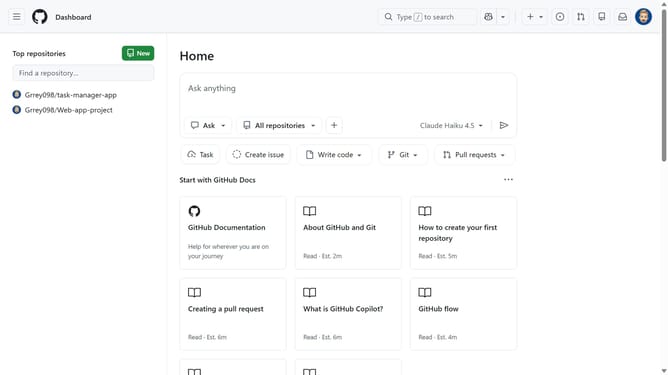
Here is how to remove pronouns from your github profile
- First click on your profile picture in the top-right corner of the header
- Next click on "Settings" option in the dropdown menu
- Click on the "Pronouns" dropdown menu to expand the options
- Then select "Don't specify" option from the pronouns dropdown menu
- Finally scroll down and click on the "Update profile" button to save changes
Why should you remove pronouns from your GitHub profile
GitHub is a collaborative platform where developers share and refine code, promoting innovation and teamwork.
Removing pronouns from your GitHub profile is a straightforward feature that can cater to personal preferences and ensure your profile reflects your desired identity.
This option fosters inclusivity, allowing users to maintain a level of privacy and professionalism that aligns with different cultural or professional contexts.
By customizing your profile in this way, you uphold a respectful and focused contributor space, where the emphasis remains on coding and collaboration.
Last update