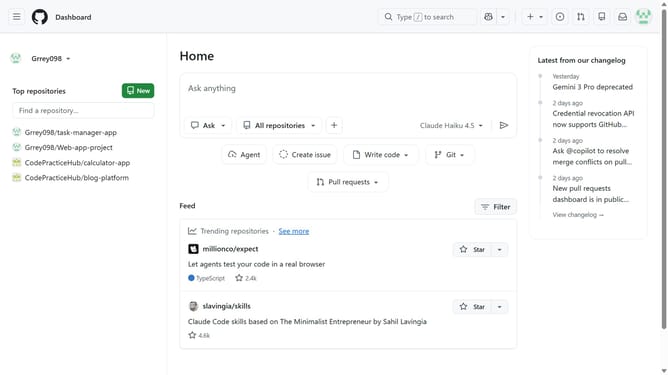
How to apply dark tritanopia theme in GitHub
Here is how to apply dark tritanopia theme in github
- First click on your profile picture in the top-right corner of the header
- Next click on the "Appearance" option in the user dropdown menu
- In the Theme preferences page, click on the "Theme mode" dropdown
- Then select "Single theme" option from the dropdown menu
- Finally select "Dark tritanopia" from the available theme options
Why should you apply dark tritanopia theme in GitHub
GitHub is a collaborative platform that empowers developers to unleash the potential of code.
Applying the dark tritanopia theme in GitHub can enhance your coding experience by reducing eye strain and improving visibility. This feature is especially beneficial for developers who spend long hours staring at screens, as it offers a comfortable visual environment.
The dark tritanopia theme is designed to bring clarity and focus to your workflow, making it easier to work efficiently and effectively. Its tailored color contrast ensures that every piece of code stands out clearly, maximizing productivity for everyone.
Last update