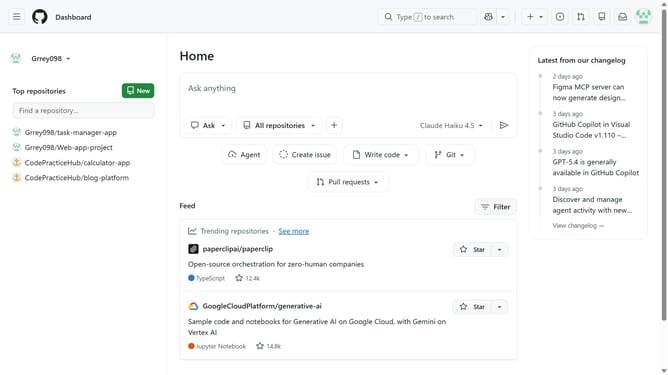
How to add a README to a repository in GitHub
Here is how to add a readme to a repository in github
- First open the repository where you want to add a README
- Next click on the "Add a README" button in the main content area
- In the text editor, add the project description and details
- Then click on the "Commit changes..." button in the top right corner
- In the commit dialog, enter a commit message in the "Commit message" field
- Next, enter additional details in the “Extended description” field if needed
- Then select the "Commit directly to the main branch" radio button option
- Finally click on the "Commit changes" button to finalize the commit
- The README file has been successfully added to the repository
Why should you add a README to a repository in GitHub
GitHub is an essential platform for version control and collaborative software development.
Adding a README to your GitHub repository is a simple yet powerful way to communicate important information about your project. This vital feature allows you to introduce your work, outline its purpose, and provide essential instructions, helping fellow developers understand and contribute better.
By including a README, you enhance the professionalism and accessibility of your project, supporting effective communication and promoting wider community engagement.
Last update