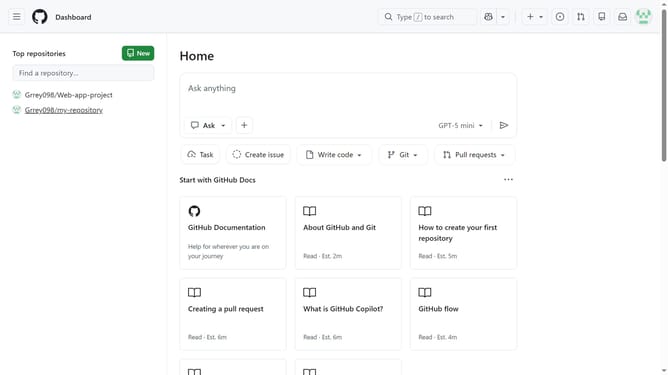
How to remove the display name of your organization in GitHub
Here is how to remove the display name of your organization in github
- First click on your profile picture in the top-right corner of the header
- Next click on "Organizations" in the dropdown menu
- Click the "Settings" button next to the organization name
- Locate the "Organization display name" text field in the General settings section
- Then clear the text in the field
- Finally click on the "Update profile" button to save the changes
Why should you remove the display name of your organization in GitHub
GitHub is a leading platform for version control and collaboration, allowing developers to seamlessly manage and share their coding projects.
Removing the display name of your organization on GitHub can streamline team collaboration by ensuring focus remains on code quality and project progress, rather than organizational hierarchy.
By focusing on anonymity, this feature encourages equal participation and innovation, promoting a more inclusive and cooperative development environment. It's a small step that can lead to more significant collaborative successes.
Last update