How to enable displaying workspace name and logo on publicly shared docs in Slite
Here is how to enable displaying workspace name and logo on publicly shared docs in slite
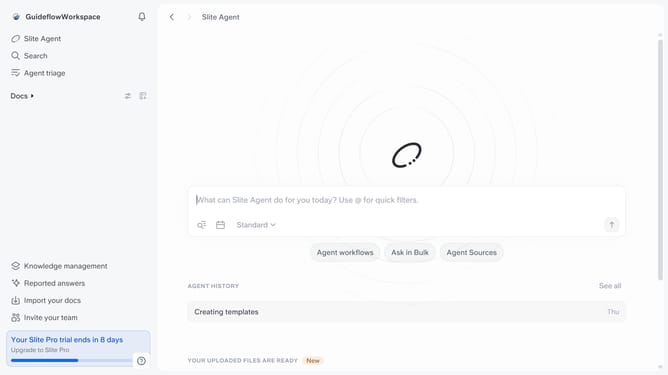
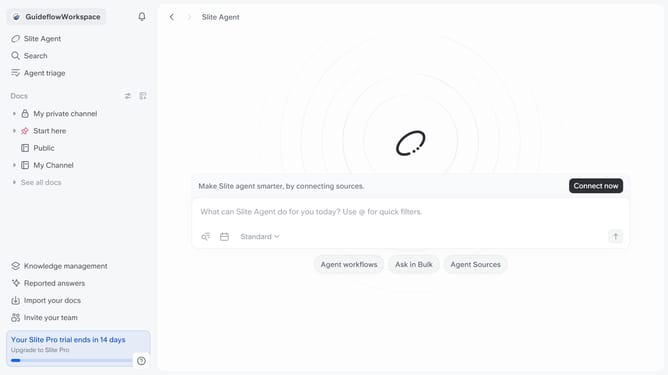
- First click on your workspace name in the upper left sidebar
- Then click on the "Settings" option in the left sidebar
- Next click on "Public sharing" in the sidebar
- Finally, toggle ON the switch for "Display workspace name and logo on publicly shared docs" settings
Why should you How to enable displaying workspace name and logo on publicly shared docs in Slite
Slite is a collaborative knowledge-sharing tool designed to streamline team communication and enhance productivity.
One of its standout features is the ability to display your workspace name and logo on publicly shared documents. This feature is a simple but effective way to reinforce your brand identity every time someone views your documents.
By showcasing your workspace name and logo, every shared document becomes an ambassador for your brand, enhancing recognition and providing a consistent, professional appearance. This small touch fosters trust and familiarity with your audience, leaving a positive impression.
Displaying your brand elements in shared docs also ensures that your content feels unified and purposeful, strengthening your organization's communications both internally and externally.