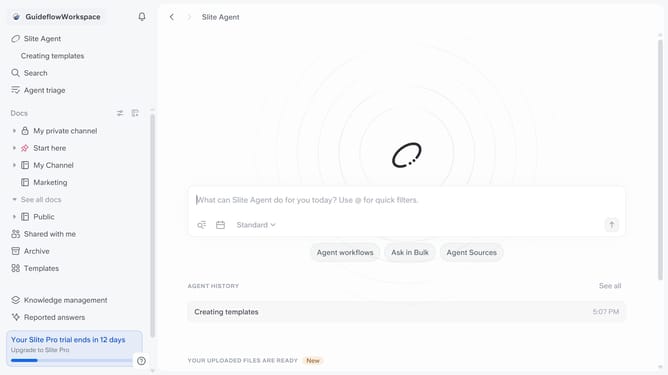
How to set your homepage doc in Slite
Here is how to set your homepage doc in slite
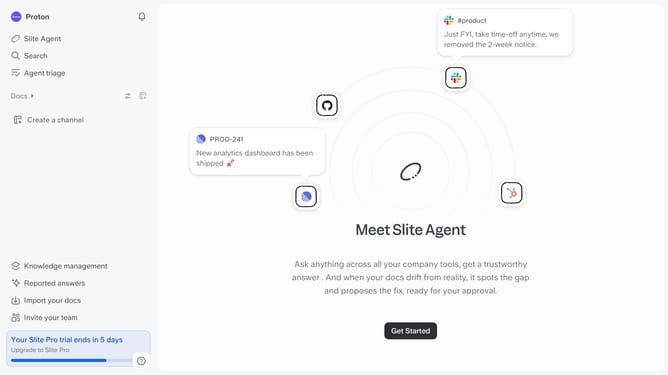
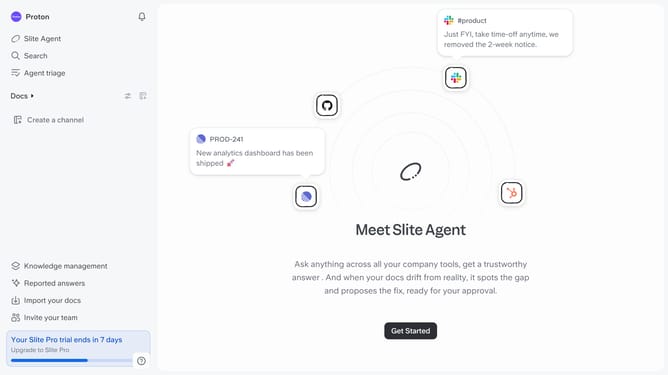
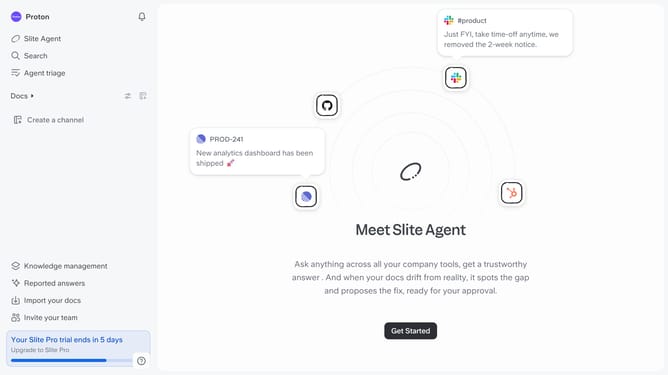
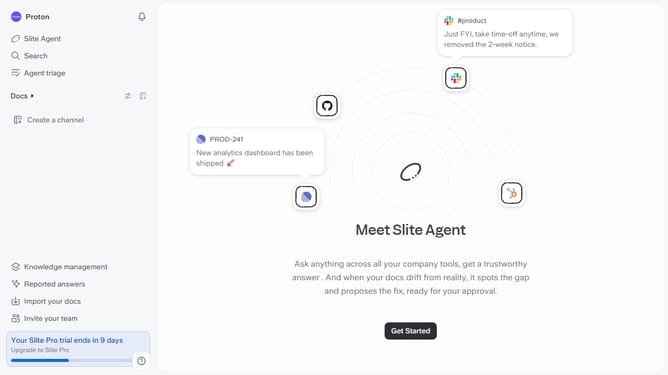
- First click on your workspace name in the upper left sidebar
- Then click on the "Settings" option in the left sidebar
- Next click on the "General settings" option in the left sidebar
- Then click on the "Homepage doc" input field and enter document name
- Finally, select a document from the dropdown menu
Why should you How to set your homepage doc in Slite
Slite is a collaborative workspace designed to streamline team communication and organization.
Setting your homepage doc in Slite elevates your team's efficiency by providing immediate access to essential information. This feature allows you to personalize your initial view, ensuring the most relevant document is front and center every time you log in.
By selecting a homepage doc, teams can quickly sync up on priorities, minimizing the time spent searching for key updates or guidelines. It fosters a focused environment where everyone can start their day aligned and informed.
Last update