How to enable automatic workspace backups in Slite
Here is how to enable automatic workspace backups in slite
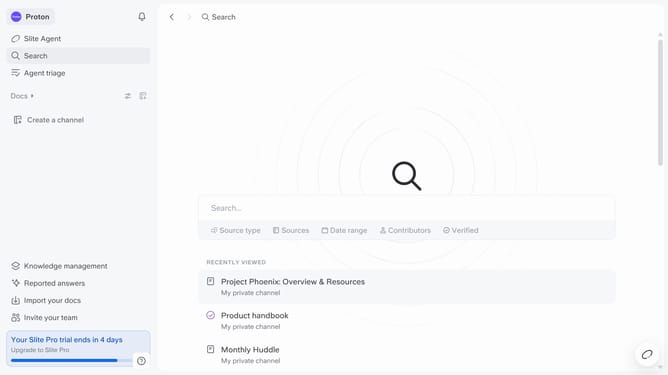
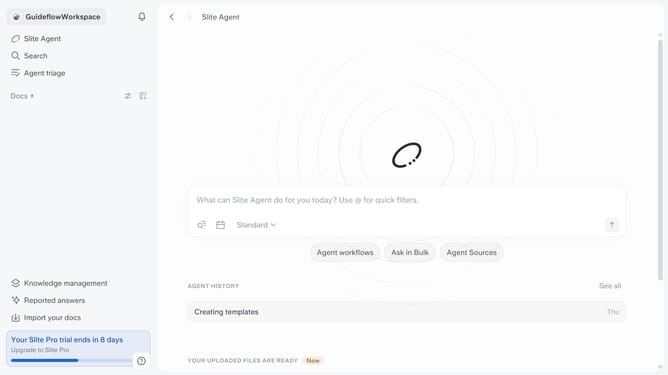
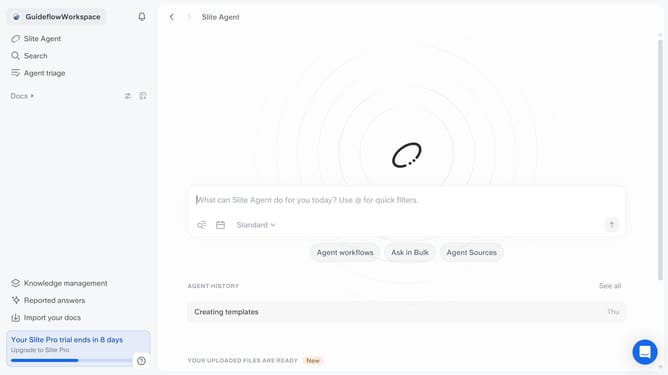
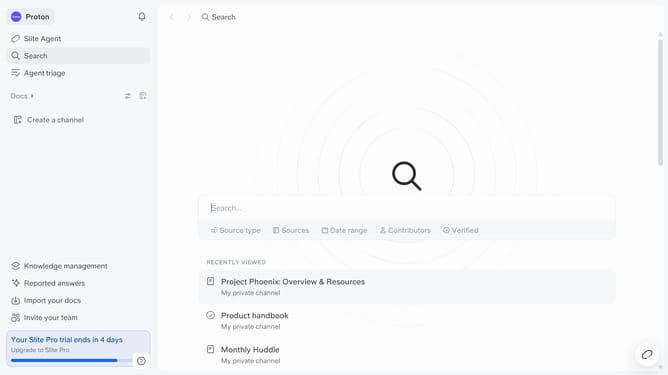
- First click on your workspace name in the upper left sidebar
- Then click on the "Settings" option in the left sidebar
- Next click on the "General settings" option in the left sidebar
- Finally, toggle ON the switch on the "Enable automatic workspace backups" setting
Why should you How to enable automatic workspace backups in Slite
Slite is a powerful collaborative tool designed to help teams seamlessly organize and share their knowledge.
Enabling automatic workspace backups in Slite ensures that your team's invaluable data is always secure and easily recoverable. This feature is essential for maintaining continuity and confidence, especially in dynamic work environments.
By automating backups, you save time and eliminate the risk of data loss, allowing your team to focus on creativity and productivity rather than technical concerns. This safety net empowers teams to innovate, knowing their information is safeguarded.
Last update