How to download an attached file in Zoom Docs
Here is how to download an attached file in zoom docs
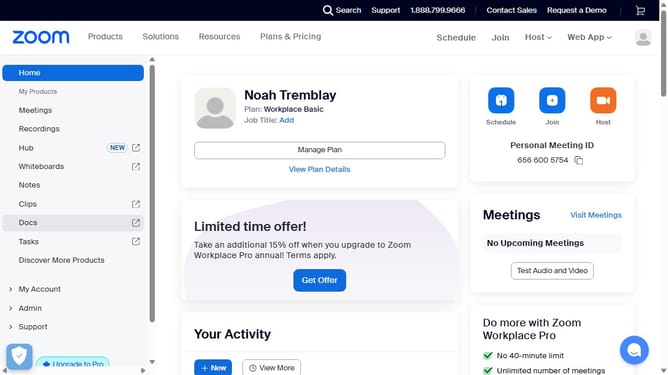
- First click on the "Docs" option in the left sidebar menu
- Then open the document containing the attached file you want to download
- Next locate the file within the document
- Finally click the "Download" button next to the attachment to save it to your device
Why should you download an attached file in Zoom Docs
Zoom is a powerful platform designed to simplify virtual communication and collaboration.
Downloading an attached file in Zoom Docs is a seamless feature that enhances the user experience by allowing easy access to essential documents during meetings.
This feature is crucial for keeping all participants informed and on the same page, preserving the flow of communication without unnecessary interruptions.
Utilizing this capability ensures that information is readily available, fostering a more efficient and productive virtual environment.
Last update