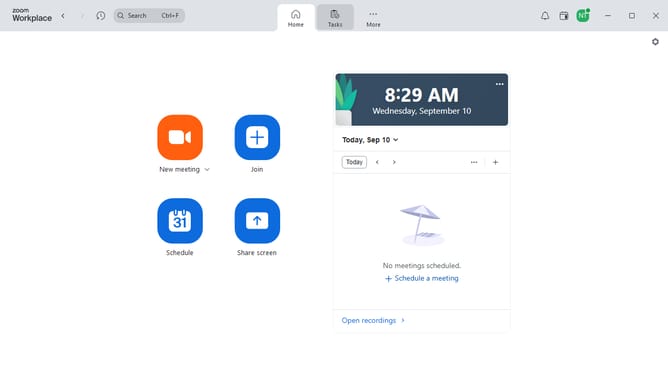
How to export a document as a PDF in Zoom Docs
Here is how to export a document as a pdf in zoom docs
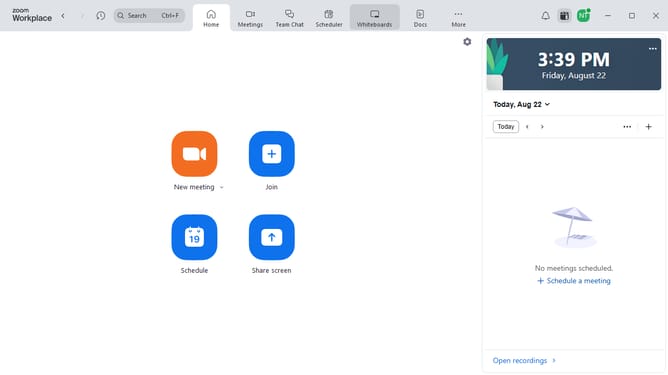
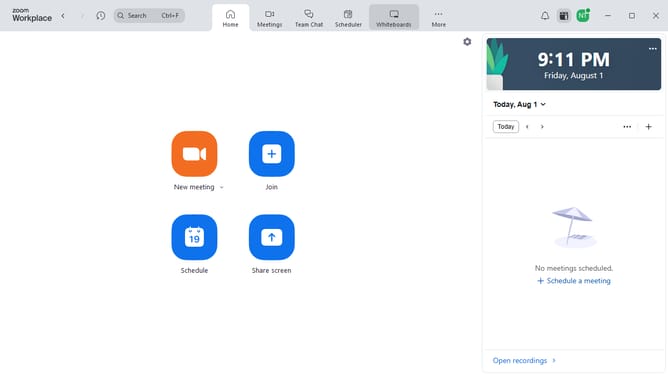
- First click on the "Docs" option in the left sidebar menu
- Then open the document you want to export
- Next click on the “More” button (three dots) in the top toolbar
- Then select the “Export” option from the dropdown menu
- Finally select “PDF” as the export format and click to save the file
Why should you export a document as a PDF in Zoom Docs
Zoom is a versatile communication platform designed to facilitate seamless virtual meetings and collaborations.
Utilizing the export feature in Zoom Docs to convert documents to PDF is straightforward and efficient. This feature enhances usability by ensuring documents maintain their original format regardless of the device or software used to open them.
Exporting to PDF in Zoom Docs saves time, enhances document sharing, and maintains professionalism, establishing a swift and dependable way to distribute important information.
Last update