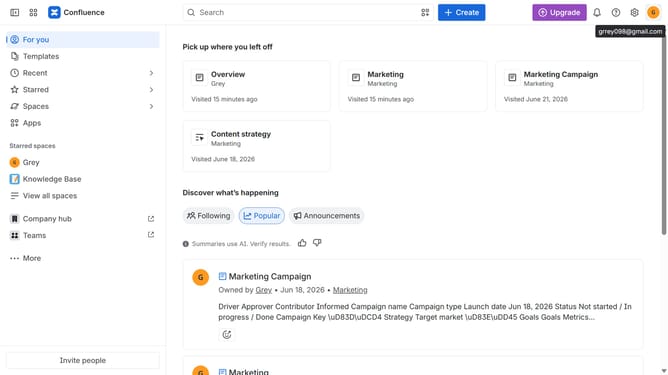
How to display the site title on the navigation bar in Confluence
Here is how to display the site title on the navigation bar in confluence
- First click on the gear icon in the top-right corner from the dashboard
- Find "Settings" in the left-hand navigation
- Next click on "Configuration"
- Then select "General configuration"
- After that, find the “Display this title on the navigation bar” option
- Then, enable the checkbox for that option
- Finally click on the "Save configuration changes" button to apply the changes
Why should you display the site title on the navigation bar in Confluence
Confluence is a powerful collaboration tool designed to streamline teamwork and document sharing.
Enhancing your navigation bar by displaying the site title gives users instant recognition of where they are, fostering a seamless user experience. It not only bolsters navigation efficiency but also reinforces your brand's presence within the platform.
This feature simplifies user orientation, boosting productivity by reducing confusion and making it easier to locate specific resources or spaces quickly. Overall, a well-defined site title contributes to a more organized and user-friendly Confluence environment.
Last update