SurveyMonkey
SurveyMonkey is an online survey and feedback collection platform for customer insights.
Website
Industry
Marketing
Share this article:

How to display page titles in SurveyMonkey

Here is how to display page titles in surveymonkey

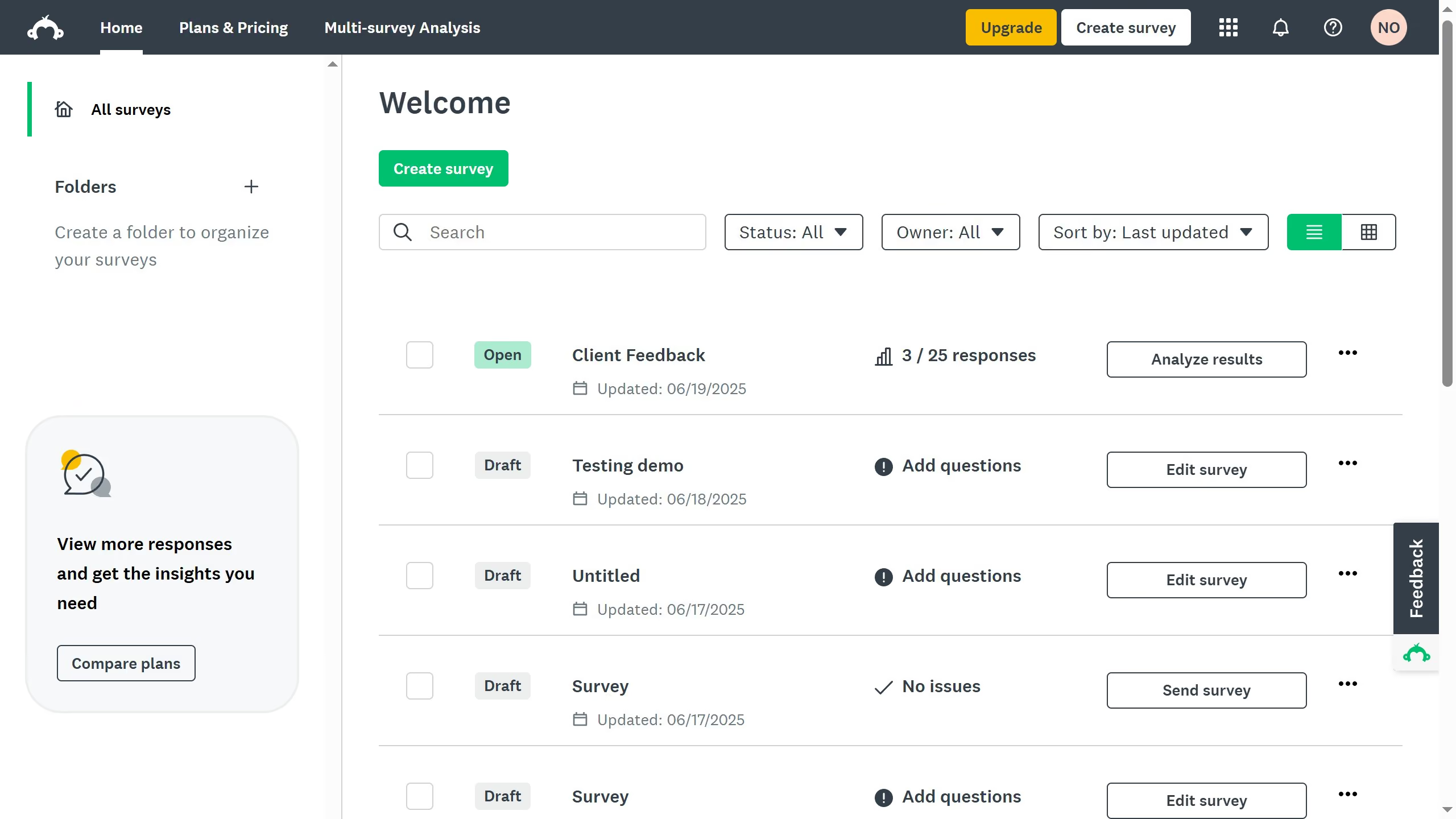
  1. From the dashboard, open the survey you want to edit
  2. Then click on the "DESIGN SURVEY" tab in the top navigation menu
  3. Next click on the "Options" button in the survey editing toolbar
  4. Finally toggle the switch on to show page titles in your survey

Create your own interactive guide with Guideflow

Why should you display page titles in SurveyMonkey

SurveyMonkey is a powerful platform that transforms how businesses gather and analyze insightful feedback through customizable surveys.

Displaying page titles in SurveyMonkey enhances the user experience by providing clear navigation and structure for your respondents.

This feature is particularly beneficial as it reduces confusion and keeps the survey organized, allowing participants to easily comprehend the information and move through each section with confidence.

Utilizing page titles can increase completion rates and ensure you receive more accurate and reliable data by guiding respondents seamlessly through the survey journey.


Last update
June 23, 2026
Cursor MariaA cursor points to a button labeled "James."

Create your first demo in less than 30 seconds.