How to disable the Leadership team health monitor blueprint in Confluence
Here is how to disable the leadership team health monitor blueprint in confluence
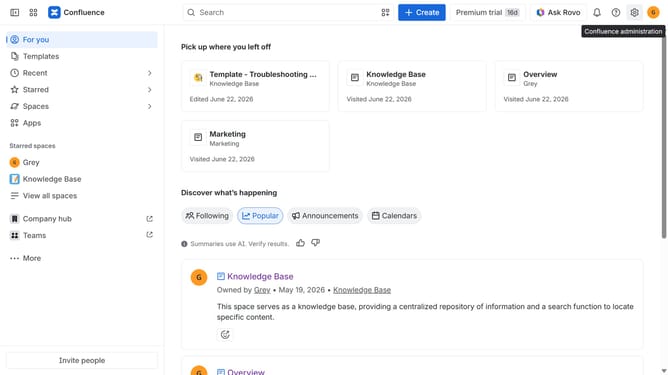
- First click on the gear icon in the top right header
- Click on "Configuration" in the left sidebar under Settings
- Next, select "Global templates and blueprints"
- After that, locate the "Global blueprints" section
- Then locate the "Leadership team health monitor" blueprint in the Global blueprints list
- Finally, turn off the toggle next to the blueprint to disable it
Why should you disable the Leadership team health monitor blueprint in Confluence
Confluence is a powerful collaboration tool designed to help teams share knowledge and work together effectively.
Disabling the Leadership team health monitor blueprint in Confluence can streamline your workspace by minimizing distractions. This feature focuses on team health, offering insights to improve productivity and satisfaction.
By turning this off when not needed, teams can concentrate on pressing tasks while retaining the option to re-enable for future assessments. Prioritizing what's crucial keeps your team agile and efficient.
Last update