How to disable recommendation Slack messages in Confluence
Here is how to disable recommendation slack messages in confluence
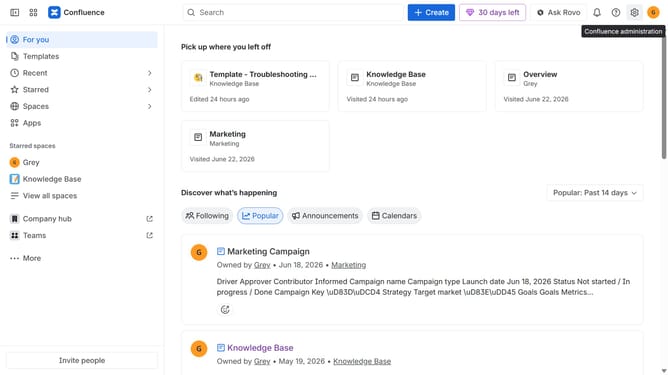
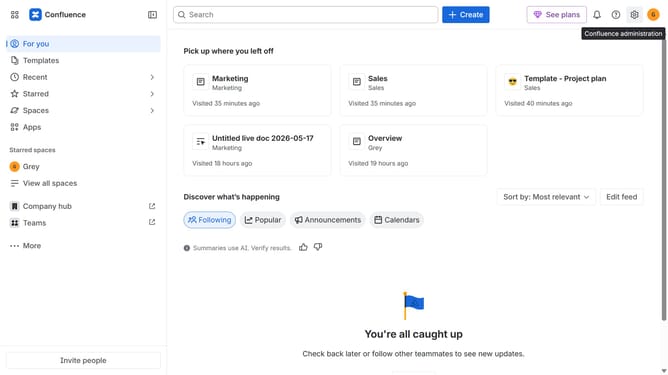
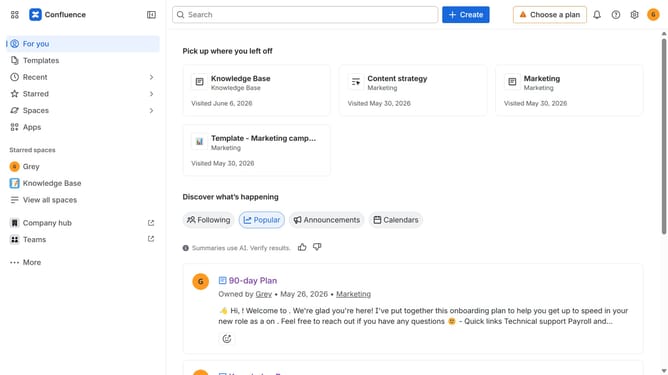
- First click on the gear icon in the top right corner
- Find "Settings" in the Confluence administration menu
- Next, click on the "Configuration" option
- Select "Notifications" from the expanded settings menu
- Then uncheck the "Recommendation Slack message" checkbox to disable it
- Finally, click on the "Save Slack setting changes" button
Why should you disable recommendation Slack messages in Confluence
Confluence is a powerful collaborative workspace that helps teams stay organized and efficient.
One of its customizable features is the option to disable recommendation Slack messages.
Choosing to turn off these notifications can streamline your workflow by minimizing distractions and allowing you to focus on key information.
This feature is particularly beneficial for keeping your team's communication channels clear and prioritized, enhancing overall productivity and concentration.
Last update