How to disable open tracking in HelpScout
Here is how to disable open tracking in helpscout
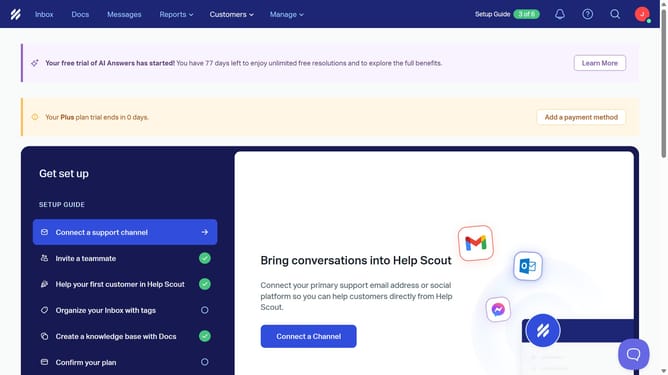
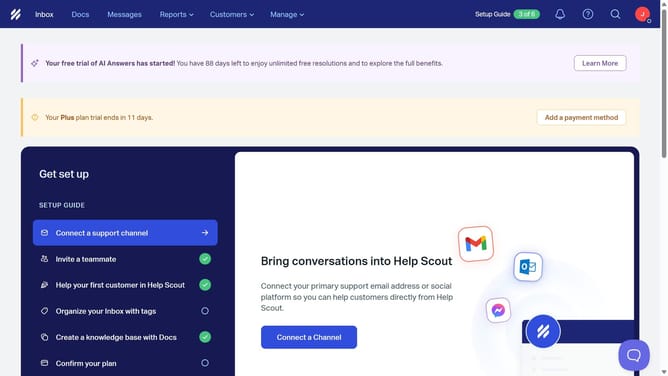
- First click on "Manage" dropdown in the header
- Then select "Company" option from the dropdown menu
- Next click on "Edit Company" in the left sidebar
- Then click on the toggle switch for "Open Tracking"
- Finally click on the "Save" button
Why should you disable open tracking in HelpScout
Help Scout is a customer support platform designed to enhance communication and streamline service efficiency.
One standout feature is the ability to disable open tracking. This functionality is vital for maintaining privacy, offering users more control over their interactions.
Disabling open tracking ensures that customer engagement analytics are handled sensitively, fostering trust and respecting individual privacy preferences.
In an era where data sensitivity is crucial, this feature empowers businesses to prioritize client confidentiality while still using Help Scout effectively.
Last update