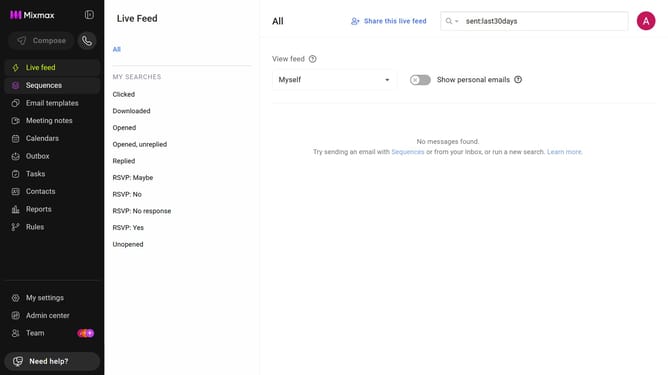
How to disable automatically sending activities to Live Feed, Outbox, and Reports in Mixmax
Here is how to disable automatically sending activities to live feed, outbox, and reports in mixmax
- First, click on "Admin center" in the sidebar
- In the sidebar, click on "Roles"
- Next, click on the "Mixmax" tab
- Then locate the "Mixmax Settings" section
- Finally, uncheck the box for "Automatically send activities to the Live Feed, Outbox, and Reports sections in Mixmax, as well as to HubSpot (when connected)"
Why should you disable automatically sending activities to Live Feed, Outbox, and Reports in Mixmax
Mixmax transforms email into a powerful productivity tool designed to connect more effectively and manage tasks effortlessly.
Disabling the automatic sending of activities to Live Feed, Outbox, and Reports within Mixmax gives users greater control over their communications and analytics. By customizing these settings, you can ensure that only relevant data is shared, helping to maintain focus and streamline your workflow.
This feature is particularly beneficial for those who prioritize privacy or require precise management of their email and activity data, allowing for a more personalized and efficient use of Mixmax’s capabilities.
Last update