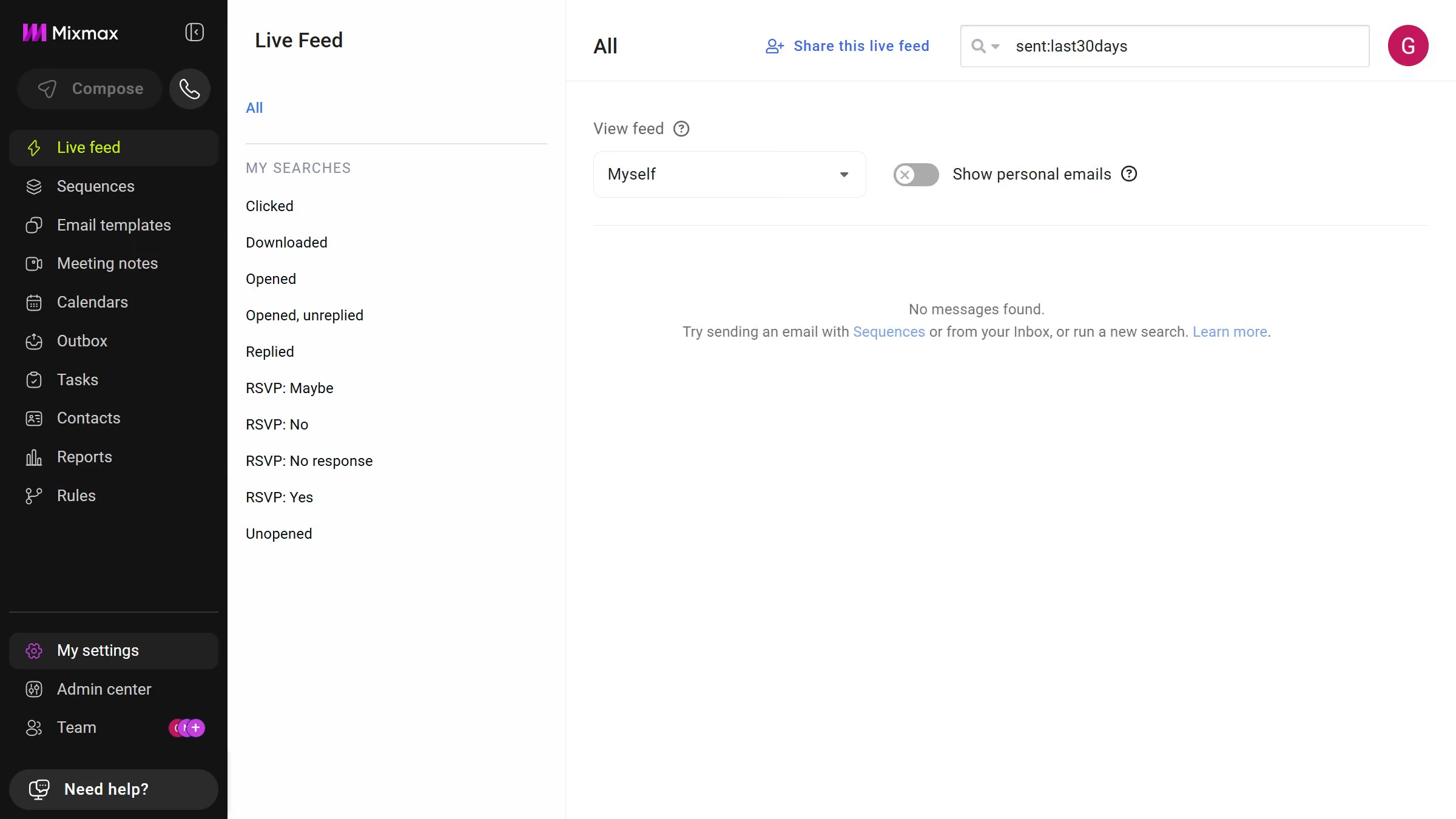
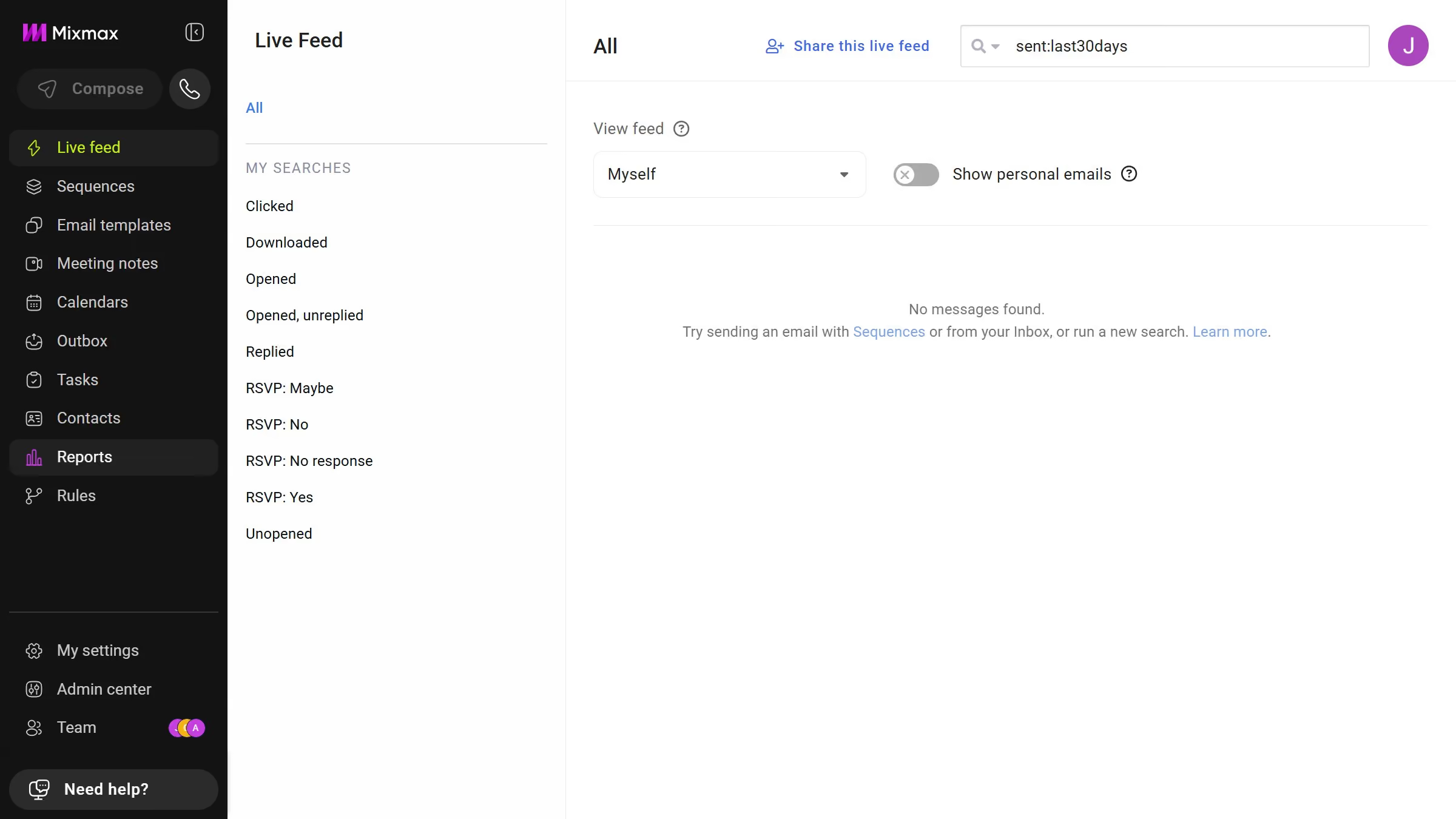
Here is how to view archived sequences in mixmax
- First click on "Sequences" in the sidebar menu
- Then click on "Archive" in the left sidebar menu under MEMBERS section
- You will now see all archived sequences


Create your own interactive guide with Guideflow
Mixmax is a powerful tool designed to enhance communication and productivity within your email platform.
One of the notable features of Mixmax is its ability to view archived sequences, which keeps your workspace organized and efficient.
Accessing archived sequences allows you to revisit past campaigns and gather valuable insights without crowding your current workspace.
This feature ensures that historical data is preserved for future reference, promoting continuity and strategic planning.
Why leading companies build with Guideflow