How to disable archiving replies using "Ctrl + Enter" in Mixmax
Here is how to disable archiving replies using "ctrl + enter" in mixmax
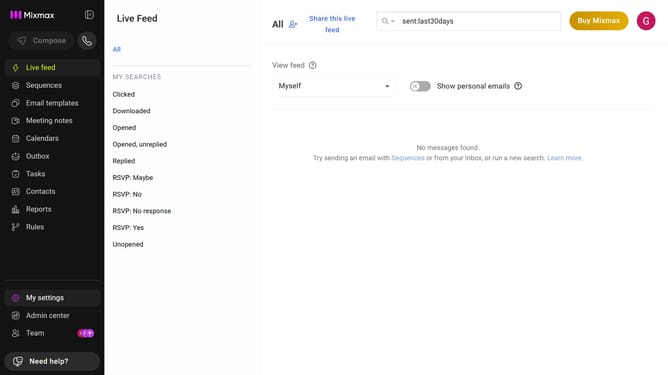
- First click on "My settings" in the sidebar
- Next click on "Composing" in the settings menu
- In the Composing settings, locate the "Message options" section
- Finally, uncheck the "Archive with Ctrl-Enter" to stop automatically archiving replies when pressing Ctrl + Enter
Why should you disable archiving replies using "Ctrl + Enter" in Mixmax
Mixmax is a robust email productivity tool that streamlines communication and workflow for professionals.
One of its unique features allows users to disable archiving replies with a simple "Ctrl + Enter." This feature is ideal for those who prefer keeping their emails in sight for easy tracking rather than automatically archiving them.
By customizing this shortcut, users maintain better organization and ensure important conversations remain accessible without cluttering their email interface.
Last update